1. IP Data
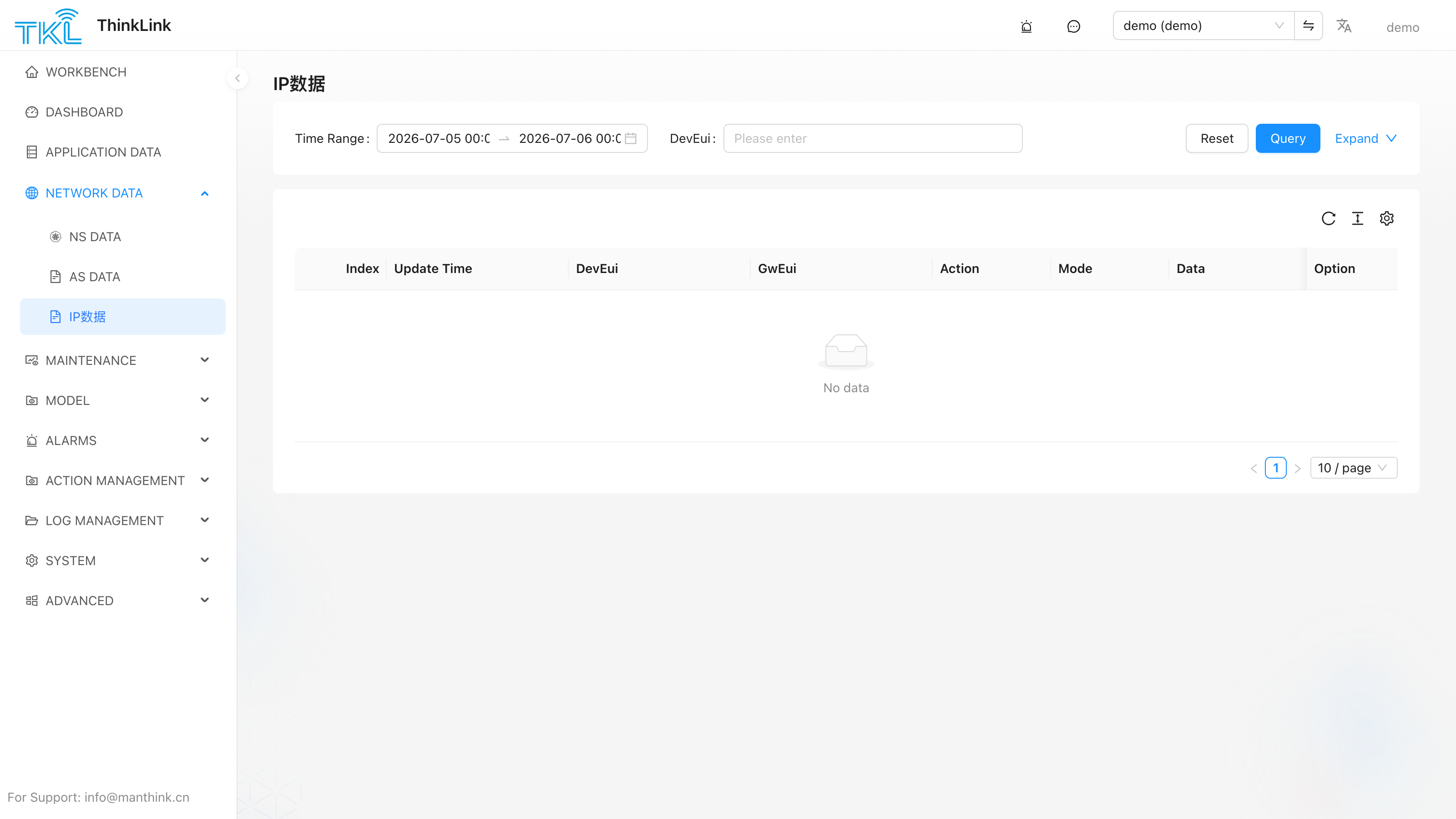
IP Data shows raw messages sent through the AS IP channel by serial gateways. The platform records uplinks from as/up/dataIP and sends gw-serial downlinks through as/dn/dataIP when RPC scripts return a gwSerial action.
Use this page to troubleshoot serial gateways, RS-485/Modbus passthrough, gateway serial scripts, and gwSerial RPC commands.
1.1. Data Source
When the AS Broker receives the following topic, ThinkLink stores an IP Data record:
/v32/{tenant}/as/up/dataIP/{eui}{tenant} is the organization account. {eui} is the device EUI in the topic. The platform prefers moteeui from the message body as the device EUI; if moteeui is missing, it falls back to {eui} from the topic.
1.2. Fields
| Field | Description |
|---|---|
gw_eui | Gateway EUI, from extra.gweui. |
dev_eui | Device EUI, from moteeui first, then from the topic EUI. |
action | Action type, such as data, attrs, script, system, cron, modbusHistory, encrypt. |
mode | Message mode, such as read or responseError. |
content | Full MQTT message JSON. |
seq_num | Sequence number, from seqno. |
token | Request or response correlation token. |
version | Protocol version. |
if | Fixed to gw-serial. |
update_time | Time when the platform received the message. |
1.3. Filters
The IP Data page queries the last 1 day by default and sorts records by update_time descending. Common filters:
- Time range.
- Device EUI.
- Gateway EUI.
action.mode.
1.4. Inspecting Raw Content
Expand content to inspect the full JSON, or copy it for offline debugging. When troubleshooting, first confirm:
gw_euiis the expected gateway.dev_euimatches the device in Device Management.actionandmodematch the expected gateway or device script behavior.tokenorseq_numcan be matched with the downlink request.
1.5. Relation to Thing Model Parsing
After storing IP Data, the platform tries to find the device by EUI and update its active time. The message is also passed to the device payload parser, so a dataIP uplink that matches the device parsing script can still produce thing-model telemetry.
If IP Data exists but realtime telemetry does not update, check:
- The device data source is
gwSerial. - The device EUI matches
moteeui. - The device has the correct thing model mounted.
- The thing model parser supports the
dataIPmessage shape.
1.6. Downlink Topic
gwSerial RPC downlinks are published to:
/v32/{tenant}/as/dn/dataIP/{eui}The RPC script only needs to return the business fields. ThinkLink fills version, token, if, and moteeui. See RPC Model.