ThinkLink Guides / Field operations
Gaps in ThinkLink history: trace reports, parsing and storage
Compare raw reports, parsed values and historical storage for one device, model and interval before interpreting missing chart points.
Fix the device, model and time range first. A live value does not prove complete history, and an empty chart does not prove that measurement stopped.
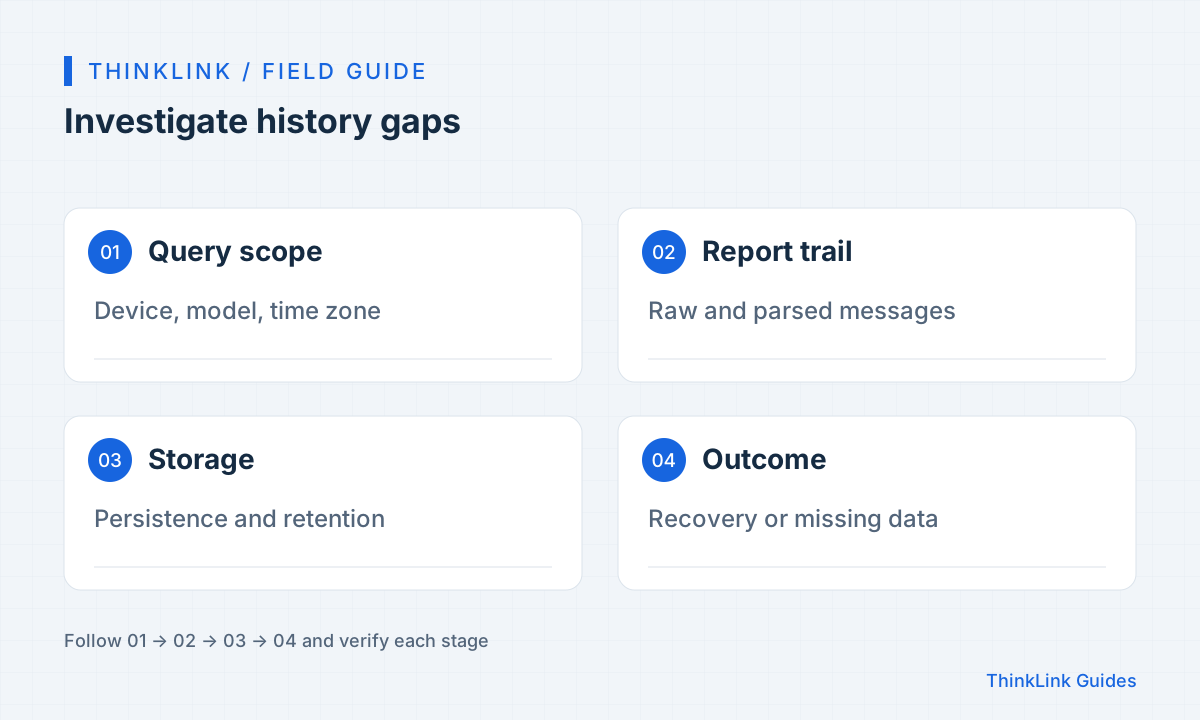
Describe the gap precisely
Record EUI, model, field, start and end times, and page time zone. Determine whether one field or every field is missing. Inspect the table before the chart to exclude unselected series or unsuitable value types. Start with a short interval around the gap. The documentation recommends queries of no more than seven days for performance; this is neither a universal retention period nor a seven-day storage limit. Check date boundaries when crossing midnight.
Build one sample trail
Follow a known report through its raw message, model output and historical result. Use NS and AS for LoRaWAN and the appropriate source for other integrations. Missing ingress points toward collection or transport; missing parsed output points toward binding or parsing; valid output without history points toward storage settings. If old diagnostic logs were not retained, record insufficient evidence instead of claiming that no report ever arrived. Keep each observation tied to its interval.
Check storage and schema changes
History depends on persistence. Use supported management pages or APIs to inspect storage settings and ask the administrator about retention. Check whether the model, field name or unit changed near the gap: older records may belong to the previous model or field. Clearing the current value does not prove history was deleted. For cumulative meters, preserve replacement, reset and unit-change records rather than interpreting every decrease as reduced consumption.
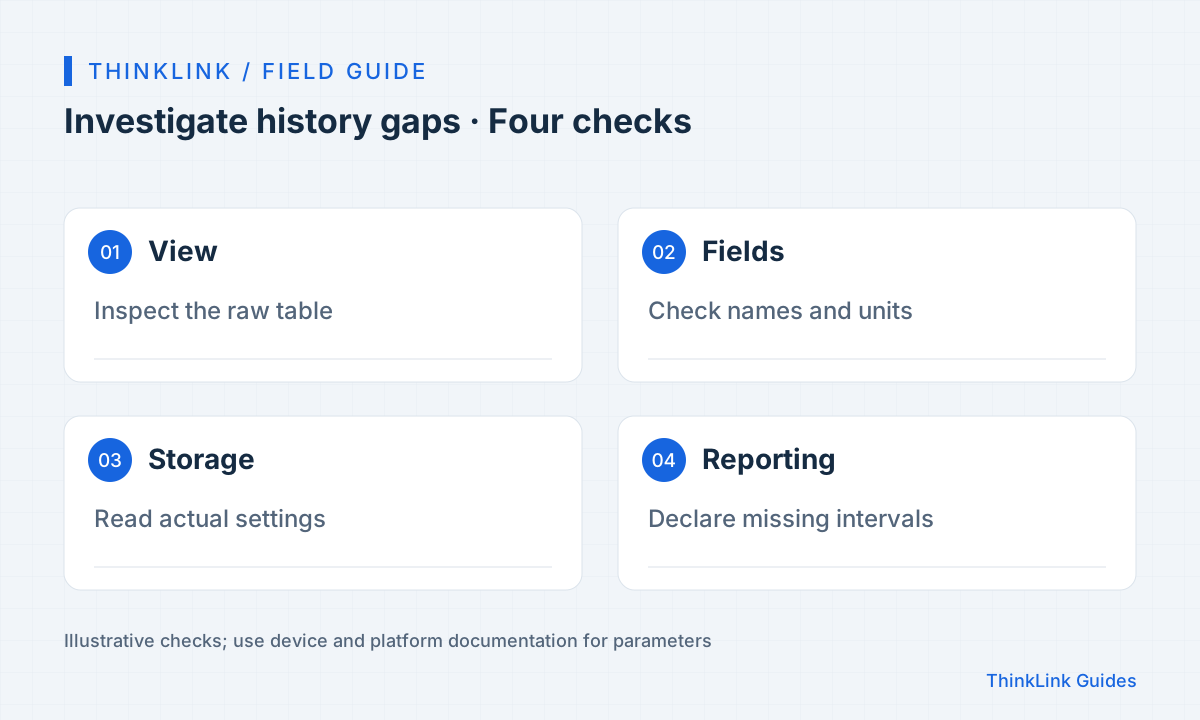
Separate recovery from backfill
After correcting configuration, use new reports to verify both table and chart. Missing history can only be recovered when a valid original source and a suitable import method exist; restarting a service does not promise recovery. If estimates are needed, identify their method, interval and purpose, keeping them separate from measurements. Use a test device to demonstrate a live value without the expected historical storage, rather than deleting production records to explain the distinction.
- Confirm the gap in the table.
- Trace a raw report into history.
- Check model changes and storage policy.
- Separate recovery, backfill and estimation.
Make reports explain their limits
Record affected intervals, devices and fields, confirmed cause, recovery point and backfill status. Include valid-record counts and missing-data notes. Do not replace missing values with zero or present calculations from surviving records as complete coverage. If reporting frequency changed, calculate expected counts separately for each period. Give field staff collection evidence and administrators model and storage evidence so that each can act on the relevant part of the failure.
Frequently asked questions
Does a live value guarantee historical records?
No. Persistence and retention must be checked through an actual history query.
Should gaps be filled with zero?
Not by default. Missing measurements and measured zero have different meanings; label estimates explicitly.
References and further reading
This guide uses the official sources below. Diagrams explain the approach; consult the documentation for your version for exact menus, fields and capabilities. Linked sources are in Chinese.