01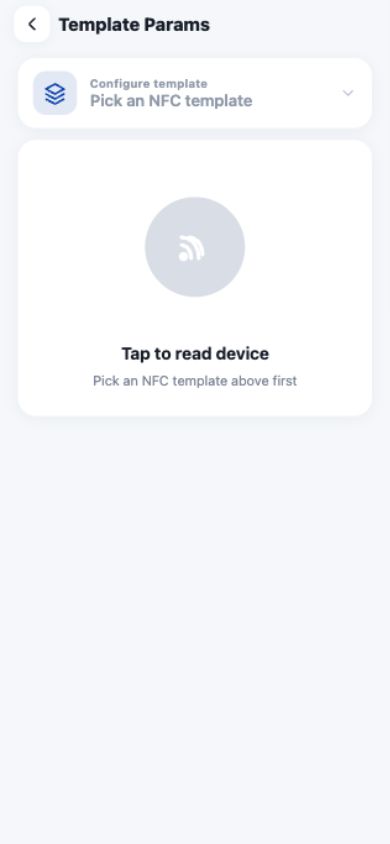
Read and write template parameters
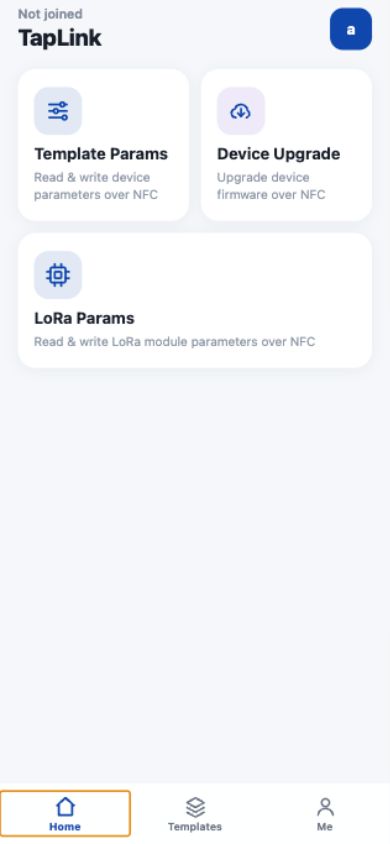
Choose an approved cloud template, read the device over NFC, edit permitted fields, and write the result back.
TapLink brings cloud templates, NFC parameter work, LoRa setup, and firmware maintenance into one focused field tool.
Move from a verified template to a completed device operation without switching tools or losing context.
Choose an approved cloud template, read the device over NFC, edit permitted fields, and write the result back.
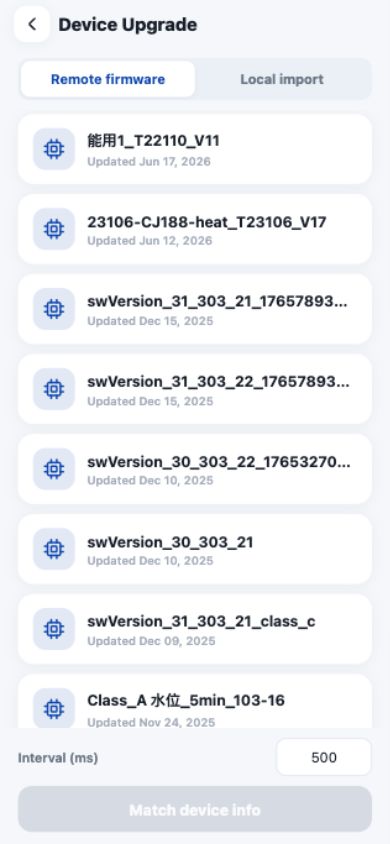
Use remote or local firmware with compatibility checks, visible progress, and a controlled transfer flow.
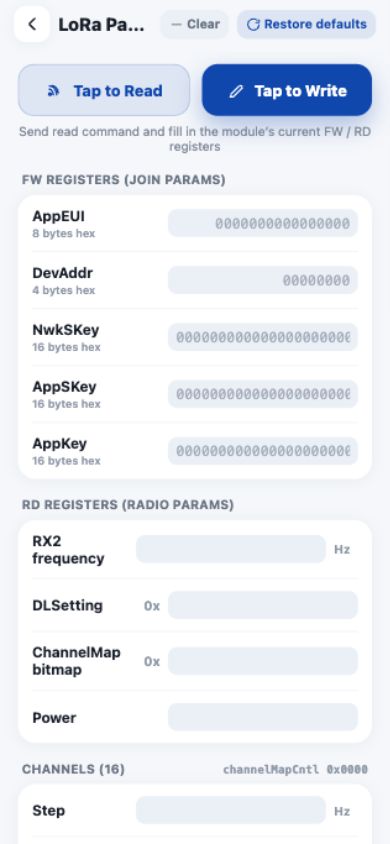
Read and update AppEUI, DevAddr, keys, radio settings, and channel registers at the device.
Install the Android release on an NFC-capable phone. Confirm the package source before installation.
NFC writes and firmware upgrades change device state. Verify the device model, template, parameters, and power before starting.
Download Android APK
Scan with an Android phone, or use the direct download button.
A short setup path keeps the first field task predictable.
Download the APK and allow installation from the verified source.
Set the server address, sign in, and confirm the active organization.
Open a workflow and select the matching template or firmware.
Verify the target, hold the phone near the NFC area, and wait for completion.
The interface keeps device actions explicit, short, and easy to verify before anything changes.
Open setup details, field descriptions, operating guidance, and troubleshooting in ThinkLink Docs.