ThinkLink Guides / Deployment & security
Configuring TLS and HTTPS for self-hosted ThinkLink: tkl-tls ports, renewal and verification
Use tkl-tls on Docker deployments to enable HTTPS, WSS and MQTTS consistently while understanding configure vs preserve modes, rollback safety and client checks.
On a Docker-deployed ThinkLink host, start with read-only sudo ./tkl-tls ports to audit listeners and port mappings, then apply a full PEM certificate chain and unencrypted matching key covering your domain. Local status probes confirm protocol readiness only—always verify HTTPS login, WSS/MQTTS authentication and certificate trust from a real client network.
Know what tkl-tls manages—and what stays outside its scope
On Docker-based ThinkLink deployments, tkl-tls configures encrypted endpoints across ThinkLink and EMQX together. By default, a single full PEM certificate chain and matching unencrypted private key covering one domain serves four encrypted ports: ThinkLink HTTPS (443), EMQX management HTTPS (18084), device WSS (8084 at /mqtt) and device MQTTS (8883). Port 18083 remains plain management HTTP, while 1883 and 8083 retain existing site rules.
Clarify boundaries before starting a maintenance window. tkl-tls never issues or renews certificates automatically, nor does it edit cloud security groups, host firewalls, DNS records or localhost-only bindings. Passing --ca-file validates a private CA for the tool itself without installing trust into browsers or field devices. First application, certificate renewal and rollback briefly recreate ThinkLink and EMQX containers.
Core tkl-tls commands and configure vs preserve modes
Run read-only sudo ./tkl-tls ports even before preparing certificates to inspect container listeners, Docker host mappings and local TCP reachability across all seven ports (443, 18083, 18084, 8084, 8883, 1883 and 8083). It neither recreates containers nor writes state directories, making it ideal for spotting port conflicts early.
For EMQX WSS (8084) and MQTTS (8883), choose intentionally between configure (default) and preserve. In configure mode, tkl-tls writes emqx.conf settings that override EMQX Web UI edits on restart, so all future certificate updates go through tkl-tls. In preserve mode during first onboarding, existing EMQX Web listener configs stay intact while tkl-tls fills missing Docker mappings and runs verification.
| Command or mode | Behavior | When to use | Key constraint |
|---|---|---|---|
| tkl-tls ports / check | ports audits 7 ports read-only; check validates certs and candidates | Pre-change check of port bindings, chain and key match | ports skips public/TLS checks; check containers are temporary |
| configure (default) | Tool manages HTTPS, WSS 8084 (/mqtt) and MQTTS 8883 certs | Standard deployments wanting single-step renewal | Do not edit WSS/MQTTS certs in EMQX Web UI; restart overrides them |
| preserve (first onboarding) | Keeps existing in-container WSS/MQTTS config, adds mappings | Sites retaining existing EMQX Web listener management | Switching from configure to preserve requires rollback first |
| apply renewal / rollback | Applies new cert or restores prior config while recreating services | Scheduled certificate rotation or recovery from bad config | Preserves persisted data volumes; never delete volumes to debug TLS |
Avoid browser trust warnings, port clashes and split-domain mistakes
Never document 'click through browser warning' as a production procedure, and do not switch to raw IP addresses when certificates cover domains. Port numbers do not affect hostname matching, but certificate SANs must include every accessed hostname; if EMQX uses a separate domain, pass --emqx-domain together with paired --emqx-cert and --emqx-key files. Use a publicly trusted CA for general browser users, or install your private root CA into client trust stores on controlled intranets.
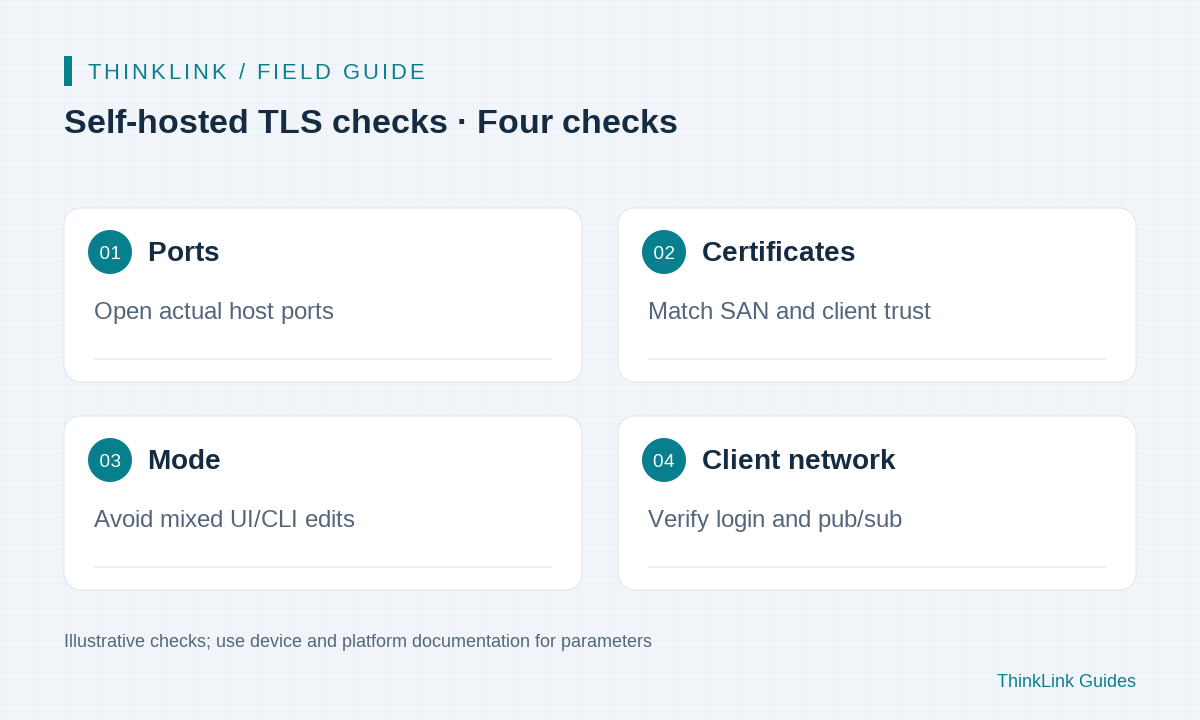
The five managed host ports (443, 18084, 18083, 8084 and 8883) must be mutually distinct and free of conflicts. When customizing host ports, open the actual host ports—not only container ports—in firewalls and security groups. When inspecting EMQX listeners in the UI, check the wss 8084 row rather than ssl 8883 for WSS, and never treat a missing TLS Key error as a saved state.
Separate local status probes from client-network acceptance
Running sudo ./tkl-tls status validates mappings, HTTP, HTTPS certificates, WSS handshakes and MQTTS TLS plus MQTT 3.1.1 CONNACK. Understand its limits: MQTTS checks use a temporary clean session with no credentials or published messages, so return codes 4 or 5 prove protocol reachability rather than valid device authentication. The probe also carries no client certificate, so it does not validate mutual TLS (mTLS) and will never weaken mTLS to pass.
Passing locally never guarantees external reachability. After applying TLS, test from a separate machine on the actual client network using the real domain: confirm ThinkLink HTTPS login, EMQX management HTTPS login (18084), and live WSS (8084/mqtt) and MQTTS (8883) authentication, subscribe, publish and reconnect behavior.
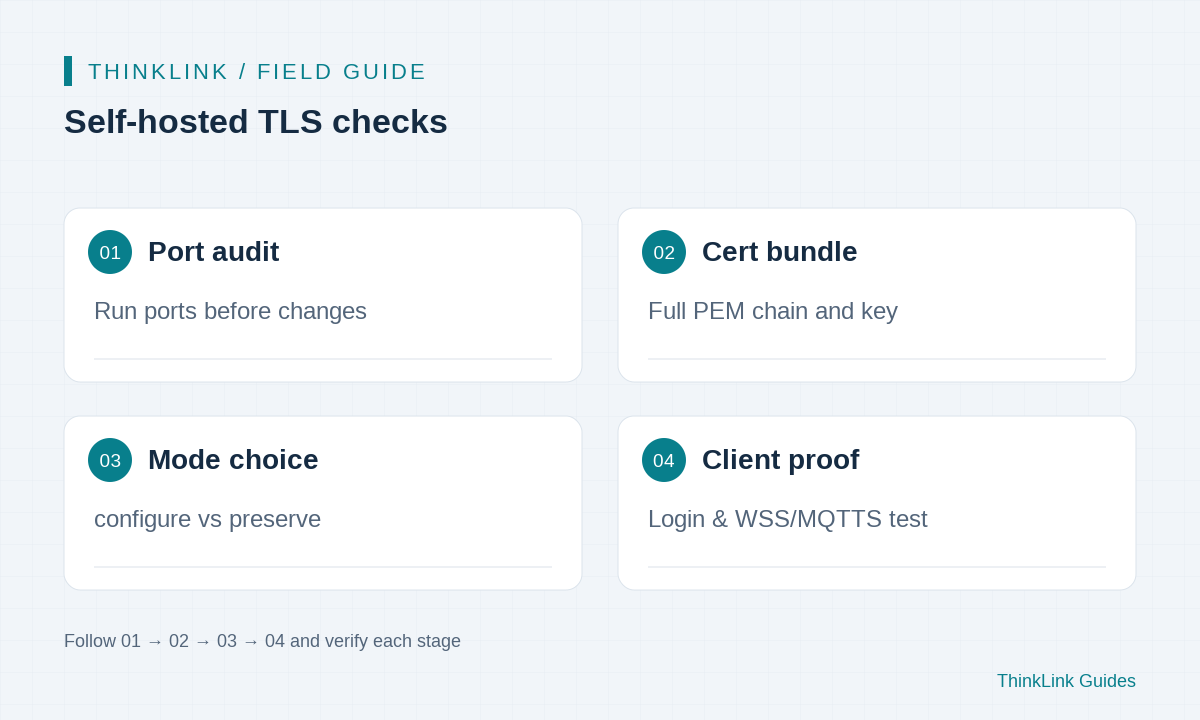
- Run sudo ./tkl-tls ports to audit all 7 ports for listeners, Docker mappings and conflicts before maintenance.
- Verify full PEM chain, domain SANs, validity dates and unencrypted matching key, and select configure or preserve.
- Run tkl-tls apply followed by local status, confirming containers restart cleanly with persisted data intact.
- Test from an external client host via the real domain: ThinkLink HTTPS login, EMQX 18084 login and WSS/MQTTS messaging.
Certificate renewal, safe rollback and state-directory care
When renewing certificates, rerun sudo ./tkl-tls apply --cert <NEW_CHAIN> --key <NEW_KEY> to preserve saved domains, ports and management modes (re-passing --ca-file or paired --emqx-cert/--emqx-key when used). If an update fails or disrupts clients, run sudo ./tkl-tls rollback to restore previous mappings and settings while keeping persisted application and database volumes untouched.
Protect the tkl-tls state directory during handover—never delete it and never share it verbatim in public logs. Record certificate expiration dates, custom host ports and external firewall rules so future rotations finish cleanly inside a short maintenance window.
Frequently asked questions
Why did WSS certificate edits in the EMQX Web UI revert after a container restart?
In default configure mode, emqx.conf fields written by tkl-tls override Web UI changes on restart. Renew certificates via tkl-tls apply, or use preserve mode on initial onboarding.
Why is port 18083 still plain HTTP after enabling TLS?
Port 18083 retains the original management HTTP listener under existing access controls, while port 18084 serves encrypted EMQX management HTTPS.
If tkl-tls status passes on the server, do I still need external client tests?
Yes. Local status cannot verify DNS, cloud security groups, host firewalls, client CA trust or live WSS/MQTTS credentialed pub/sub.
References and further reading
This guide uses the official sources below. Diagrams explain the approach; consult the documentation for your version for exact menus, fields and capabilities. Linked sources are in Chinese.