ThinkLink Guides / Field operations
ThinkLink scheduled switching: verify time zones, bindings and parameters
Check the schedule, device execution, RPC parameters and device feedback separately, including a real scheduled trigger.
The scheduled task determines when; device execution determines the RPC and targets. Both must be enabled and bound, parameters must be complete, and device feedback must confirm the action.
Identify the clock that matters
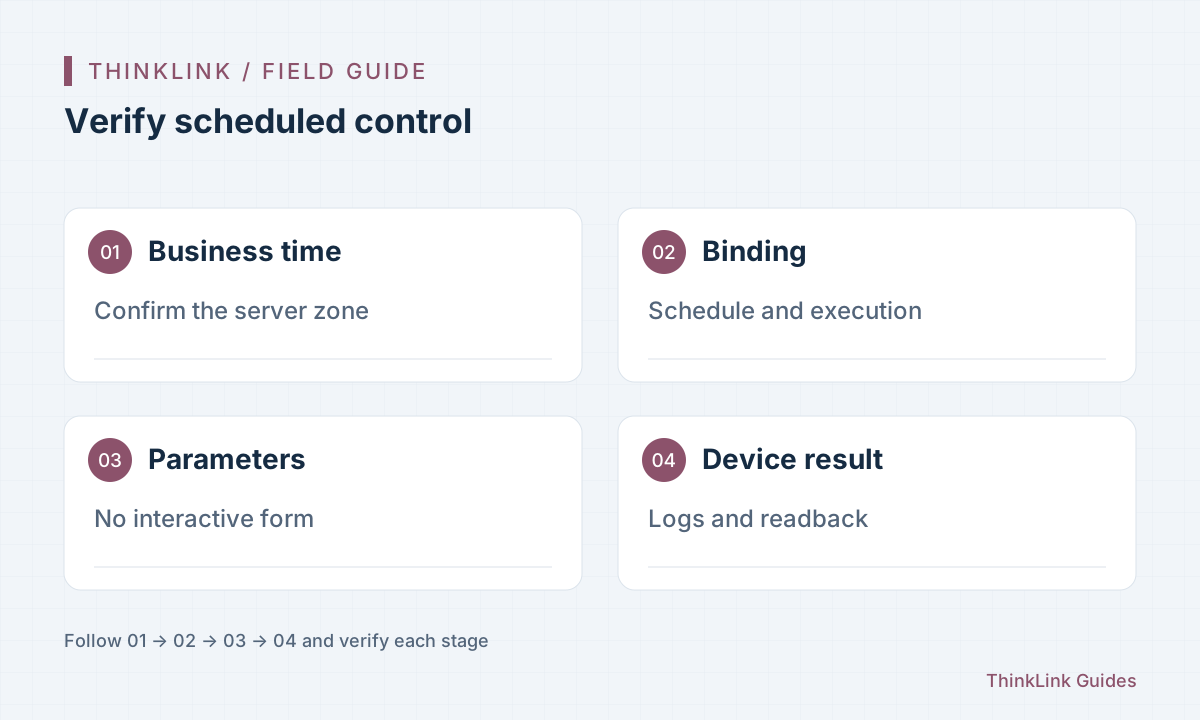
ThinkLink uses six-field cron including seconds, interpreted in the server local time zone. Do not paste a five-field system cron or assume browser time changes server execution. Record desired business time, server zone and expression, then use form validation. Placeholder text is not a saved expression. For projects spanning zones, assign responsibility for seasonal time changes instead of assuming one correctly configured test computer proves every deployment.
Inspect both objects
A scheduled task defines timing and does not operate devices by itself. Bind it to device execution, which selects RPC, targets and parameters, and check both enable states. Read back both configurations. If several executions share a schedule, inspect every target EUI and remove unintended active test entries through the normal maintenance process. Use names describing location, action and time. Deleting a schedule removes the trigger from referencing executions, so inspect relationships first.
Provide unattended parameters
Manual RPC execution may open a form and populate defaults; scheduling has no such interaction. The automation documentation requires complete parameters in execution configuration. Check switch values, targets and required fields, and ensure missing parameters do not become hazardous defaults. Follow the selected RPC contract rather than treating one payload as universal. Split tasks where device models use different units, enumerations or meanings despite similar parameter names.
Test immediate and scheduled execution
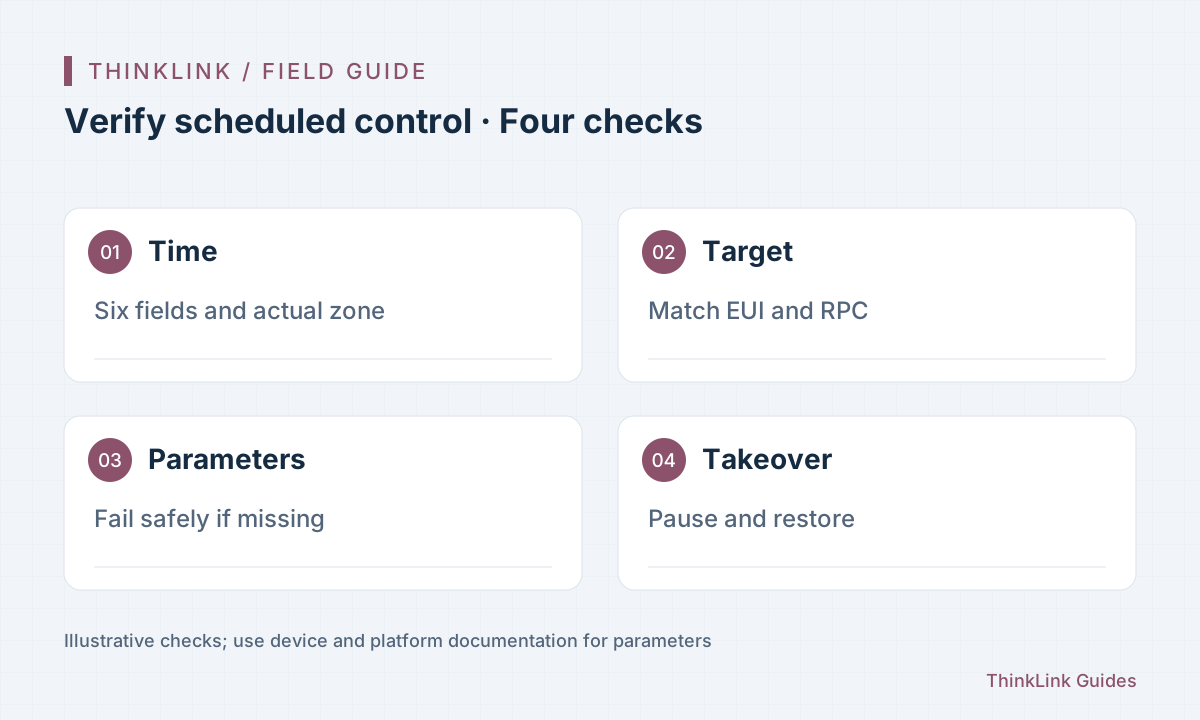
First test the configuration on an approved test device, then observe an actual scheduled time with execution logs, RPC logs and device feedback. Immediate success validates the action path, not the cron or zone. Cover both switching directions and confirm disabling prevents later triggers. Interrupting a batch does not recall commands already sent. Agree the equipment test window and responsible operator before exercising real switching.
- Check server zone and six-field cron.
- Verify bindings and both enable states.
- Test full parameters at a real scheduled time.
- Check on, off, pause and manual takeover.
Make manual takeover clear
If schedules coexist with threshold control, define which mechanism owns control so independent rules do not fight. Manual, automatic and scheduled modes may coordinate this in a project, but their state and switching logic require implementation and acceptance. Record zone, bindings, parameters, test times and device outcomes, plus pause and restoration procedures. After a timeout, inspect state and logs before deciding whether to execute again.
Frequently asked questions
Does immediate execution prove scheduling works?
No. Observe a real trigger to verify time zone, expression and binding.
Will scheduled RPC use manual form defaults?
Do not rely on them. Supply all required parameters in execution configuration.
References and further reading
This guide uses the official sources below. Diagrams explain the approach; consult the documentation for your version for exact menus, fields and capabilities. Linked sources are in Chinese.