ThinkLink Guides / Field operations
Organize a campus in ThinkLink: location codes and full paths
Use stable codes, explicit paths and the correct query scope to manage buildings, floors, imports and location moves.
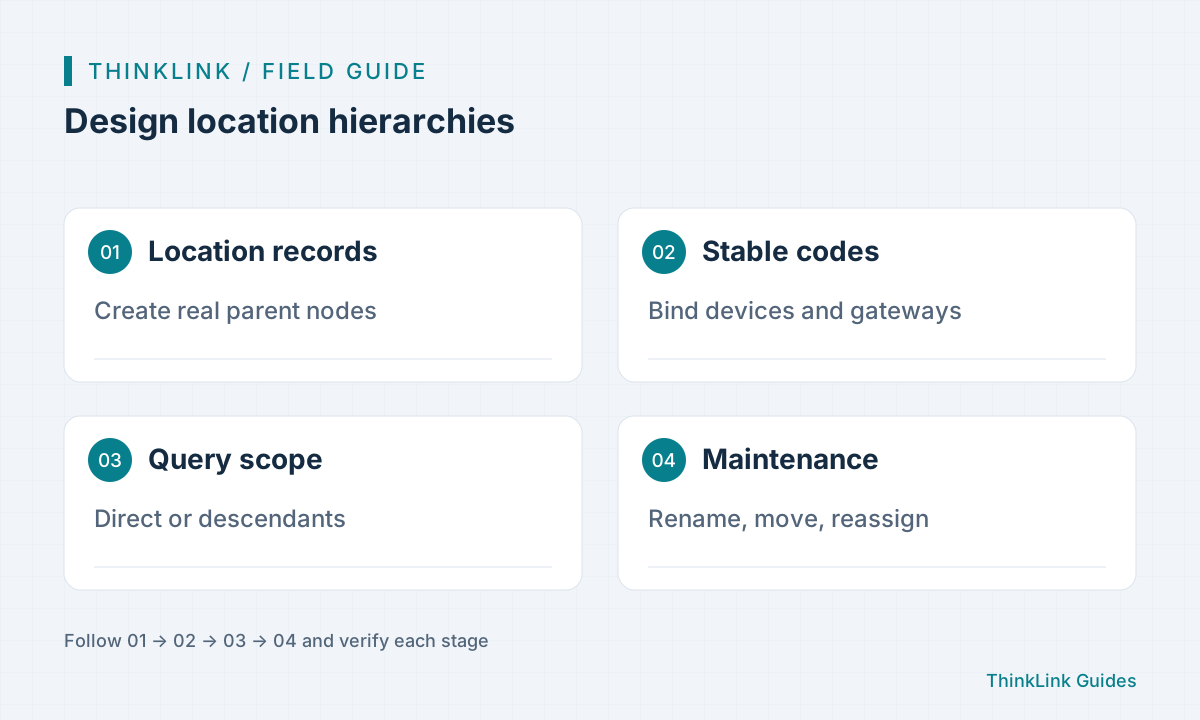
Create actual location records before binding devices and gateways through location_code. Paths describe hierarchy; codes preserve associations. Choose direct or descendant scope before counting assets.
Give paths and codes different jobs
A location can represent a campus, building or room. A path such as Campus/Building-1/Floor-3/Plant-room describes the hierarchy, while a stable code identifies each actual record. Devices and gateways reference location_code rather than the display name. Verify the deployed version and form before using the current path features. A floor rename should not require a new code merely for cosmetic consistency. Agree naming, maintenance ownership and required levels before importing, and distinguish rooms that share a name.
Create real parent records
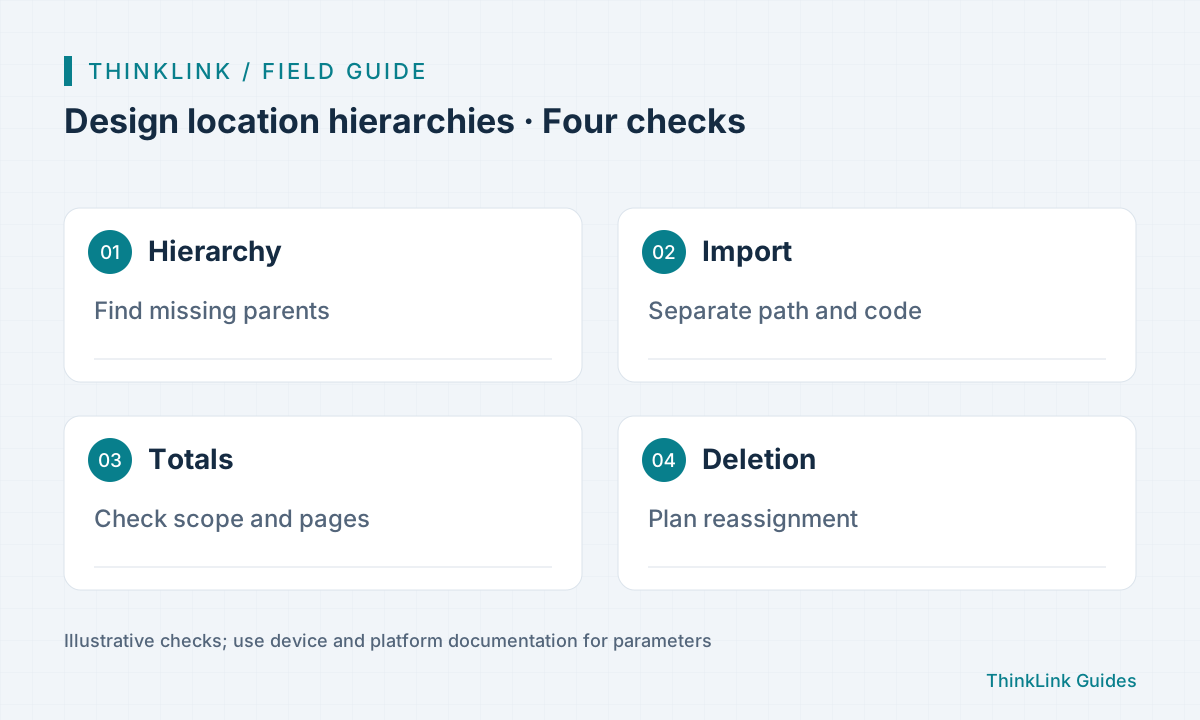
The tree displays existing records; it does not invent missing intermediate nodes. A deep path alone therefore does not create a complete branch. Establish parents, inspect full-path previews and verify uniqueness. Location imports use path, whereas device imports use location_code. The documentation states that an unknown location code in a device import leaves location empty while processing continues. Consequently, successful import still requires binding readback. Test a sample before scaling the batch.
Define the aggregation scope
Direct scope contains assets bound to the selected location code. Descendant scope also includes child locations. For an entire building, choose the appropriate tab and obtain all pages or the authoritative total; the visible page count is insufficient. Subtree membership follows path boundaries, not a prefix invented from codes. Departments, locations and application-defined spaces are distinct. State which one drives each report instead of assuming that organizational membership equals physical installation.
Verify after moving a branch
Changing a name or parent updates descendant paths while preserving location IDs and codes. Device and gateway bindings therefore need not be recreated solely because the path changed. Test with a nonproduction location, then read back the parent, a descendant and an associated device, followed by the new aggregate scope. Resolve path conflicts from the platform response instead of deleting and recreating records as a shortcut. Demonstrate the distinction between changed display paths and stable binding codes without issuing device commands.
- Create parents and check path previews.
- Bind one test device by location code.
- Compare direct and descendant queries.
- Read paths, bindings and totals after renaming.
Plan reassignment before deletion
List deletion affects selected records; tree deletion affects a branch. Neither automatically deletes devices nor clears their stored location codes, so dangling associations can remain. Check affected counts, export the relevant objects and plan new assignments before an approved deletion. Missing parent records can make the visible tree misleading about the affected scope. Maintain a code-to-path inventory and ownership for creation, renaming and retirement so future operators can repair structure using evidence.
Frequently asked questions
Must devices be rebound when a floor is renamed?
Not merely because the path changed while its code remained stable. Verify the result by readback.
Does deleting a location delete its devices?
No. Devices and their old location codes can remain and require reassignment.
References and further reading
This guide uses the official sources below. Diagrams explain the approach; consult the documentation for your version for exact menus, fields and capabilities. Linked sources are in Chinese.