ThinkLink Guides / Alarms and automation
ThinkLink alarms: verify triggers, notifications and recovery
Define triggering, recovery, repeat reminders and ownership, and distinguish model execution, platform records and actual notification delivery.
Define what needs action, what counts as recovery and who should receive the message before configuring triggers and notification groups. Alarm creation, message dispatch and actual receipt are distinct results to test before launch.
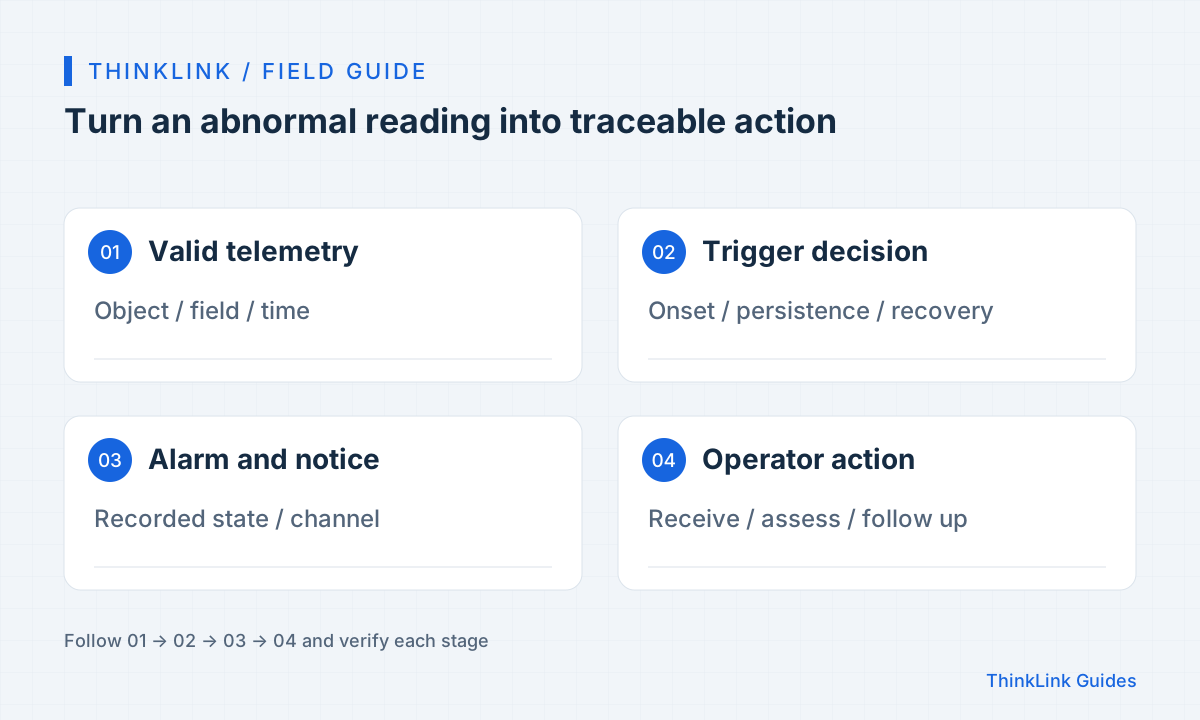
Define the event before choosing a threshold
Send a message when temperature is high is not a complete rule. Specify area, device, units, duration and the action to take. Operators need enough location and time context to know what to inspect first.
Write each rule as an acceptance statement: within a defined scope, a clear condition raises an alarm, a recovery condition clears it, and a named owner receives it. Duration, thresholds and reminder intervals are site-specific parameters, not values to copy blindly from an example.
Bind the trigger to an object that actually receives the data
ThinkLink trigger models run after their attached object receives and processes an uplink. Saving a model does not bind it to a device. Check the target binding and input fields, then confirm the capabilities of any RPC it calls.
If measurement and action involve different devices, use the documented virtual-device or asset approach to aggregate data. Attaching a trigger to an actuator does not automatically give it another sensor's measurements. Verify cross-device data relationships and target identities separately.
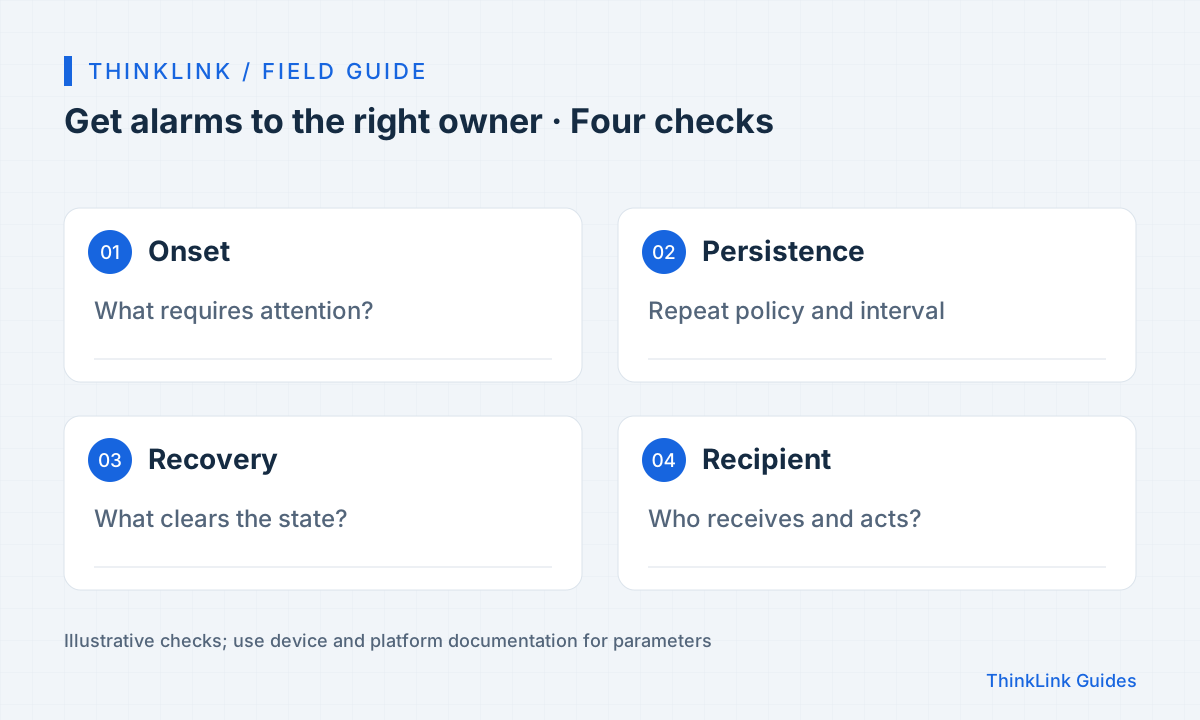
Separate onset, persistence and recovery
Using one boundary for triggering and recovery can cause repeated switching when readings fluctuate. Define separate thresholds and a repeat-reminder policy where appropriate. Time windows and historical state require corresponding scripts and state handling; changing message text is insufficient.
Offline alarms need separate logic. A trigger that runs only on new uplinks cannot run merely because reports stop. Use a suitable online-status or scheduled check and align its conditions with the expected reporting interval.
Verify receipt after saving the notification group
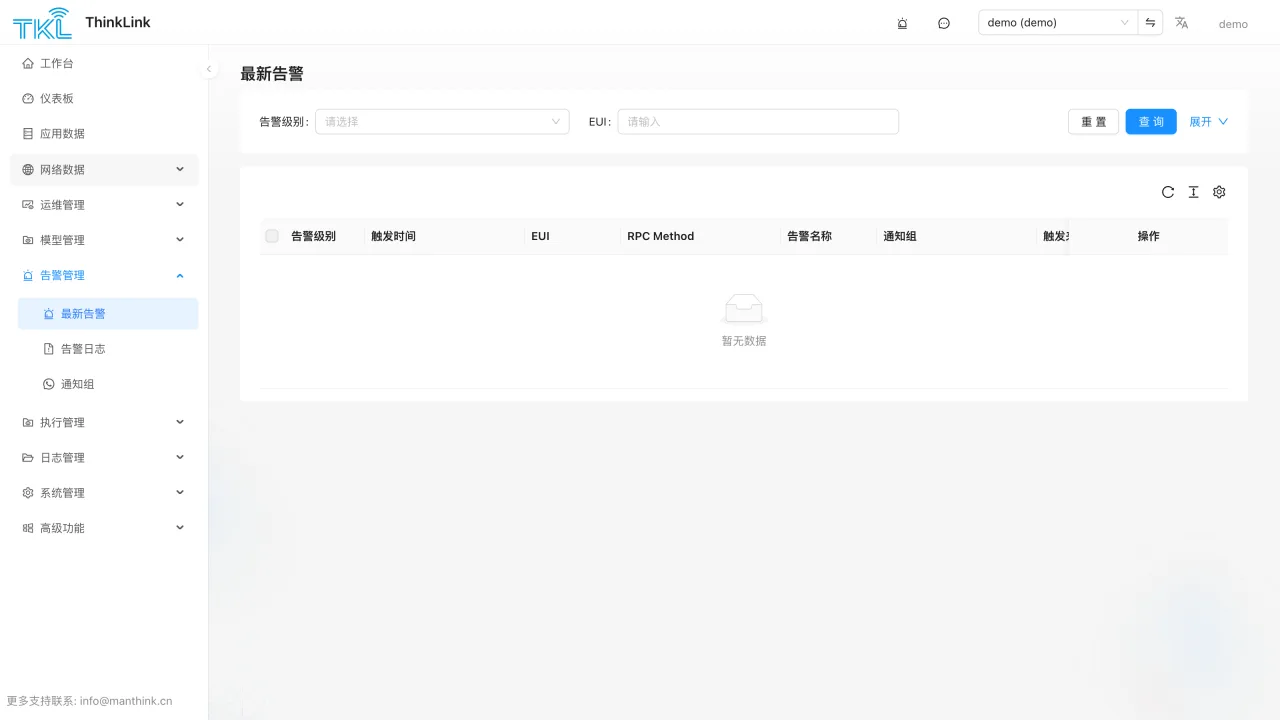
The notification-group documentation lists email and WeCom WebHook as built-in options. Email also needs SMTP configuration; the group must be enabled and have contacts. Other services need the documented custom RPC or integration setup. A channel name does not prove the capability is installed and usable.
Use a designated test channel and include device alias, location, time, current state and suggested action. Inspect trigger execution, alarm records and the receiving endpoint separately. Saving the group is only one configuration step.
Run four checks before launch
Test normal reporting, alarm onset, continuing abnormal conditions and recovery. Record the expected number of alarms and notifications and who can see them at each step. This exposes duplicate triggering, missing recovery and incorrect recipients.
At handover, document how to disable a rule temporarily, who maintains thresholds and how to investigate an event. If an alarm also controls a device, add physical-state readback. A sent message does not prove that the actuator completed its action.
- Normal data should not produce unexpected alarms.
- Abnormal data should create the intended event and test notification.
- Continuing abnormal data should follow the agreed reminder policy.
- Recovery should clear the state and send any agreed recovery notification.
Frequently asked questions
Why is there no alarm after saving a model?
Check device binding, input fields and trigger execution, then RPC calls, group enablement and the receiving channel. A successful save does not prove successful execution.
Can a threshold trigger detect a device that stops reporting?
Not by relying only on new uplinks. Use suitable online-status or scheduled checks matched to the normal reporting interval.
References and further reading
This guide uses the official sources below. Diagrams explain the approach; consult the documentation for your version for exact menus, fields and capabilities. Linked sources are in Chinese.