ThinkLink Guides / Field operations
Aggregate room sensors in ThinkLink: virtual assets and missing data
Use virtual assets and relations while defining members, calculation semantics and stale-data handling so an average does not hide missing inputs.
Create a VIRTUAL asset and notify its model through source-device relations. Define membership, units, validity and missing-data policy; a saved relation alone does not validate the statistic.
Define the required result
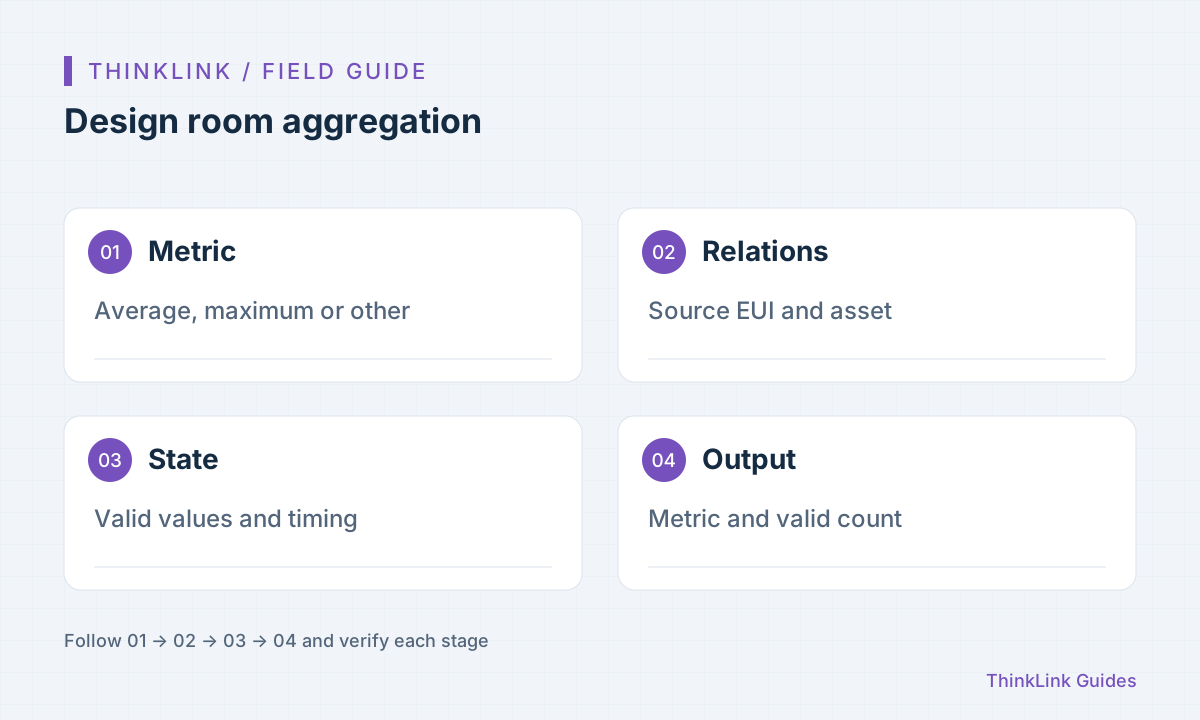
Average temperature, maximum temperature and the latest reading answer different questions. Decide the use before choosing members, units and calculation. Two sensors near an air outlet and an occupied zone do not automatically produce a meaningful comfort average. This is an aggregation method, not a building-control threshold prescription. Membership must follow an approved relation or inventory, not a matching room name. Assign responsibility for additions and removals so installations cannot silently change the metric.
Connect sources to an asset
ThinkLink uses VIRTUAL assets for multi-device notifications. Set source from_eui, target to_eui and relevant notification groups. Check direction, target type and model binding; connecting to an ordinary device does not confer aggregation behavior. Produce one valid sample from every member and confirm its source at the asset model. Select notifications deliberately instead of subscribing to every field and recalculating on unrelated changes. Use EUI for identity and names for readable presentation.
Track values and validity per member
The script must distinguish the arriving member from cached members. Use the documented process-data mechanism for readings and needed time information, explicitly distinguishing measurement and receipt timestamps. Do not invent absent timestamps. New scripts should keep intermediate state in process_data and return final metrics as telemetry. Never equate never-seen, expired and measured zero. Define what triggers expiry recalculation: event-driven relations do not recalculate without an event, and a time comparison alone is not an independent timeout scheduler.
Test missing and repeated inputs
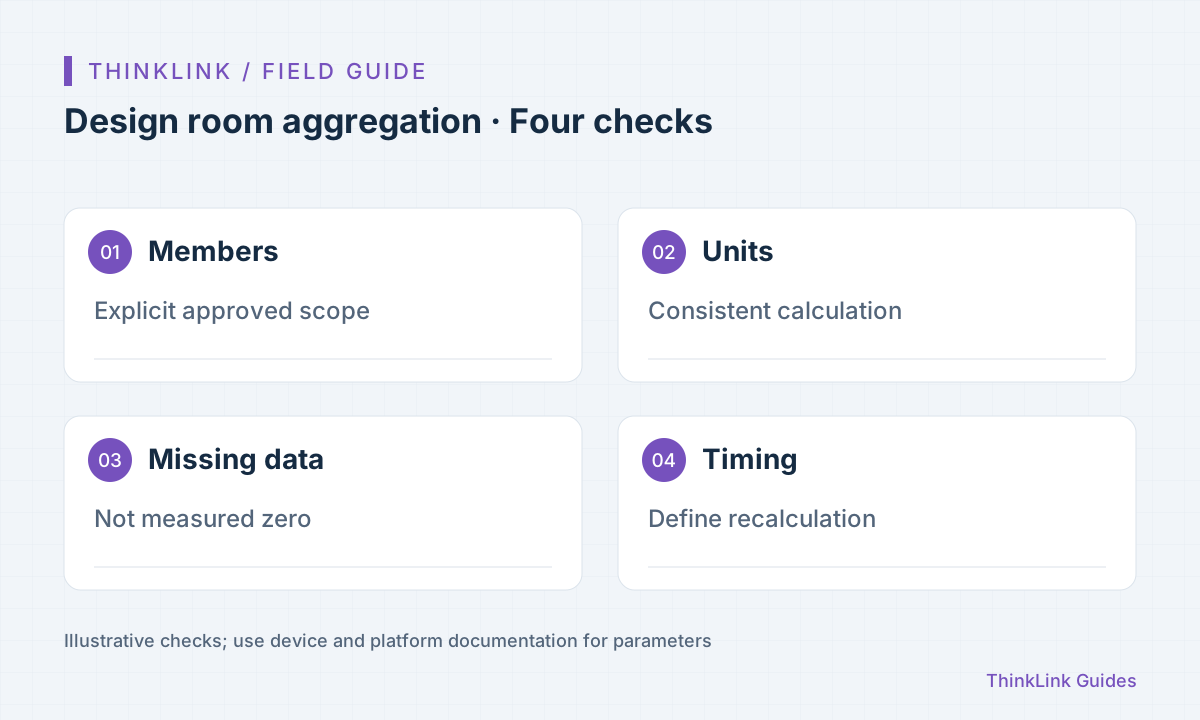
Start small and calculate expected results manually. Test two valid members, one missing, duplicate reports, out-of-order arrival, incompatible units and member removal. Duplicates should not increase membership; older samples should not blindly replace newer valid data. Implement and test those rules in the project script. Include valid-member counts or missing-data explanations alongside the result. Energy counters need a different algorithm from average temperature, including resets and replacements; do not simply add every received cumulative reading.
- Confirm members and metric meaning.
- Verify each source-to-asset notification.
- Test missing, duplicate, delayed and removed members.
- Observe data before separately accepting control.
Accept data before enabling control
Observe the asset in a dashboard and check membership, update times and missing indicators before connecting control or notifications. Target identity, authorization and physical feedback still need separate acceptance. Handover should include member list, formula, units, validity rules, recalculation triggers and samples. On sensor replacement or scope changes, review relations and remove obsolete cached members. Otherwise a removed sensor can keep influencing a smooth-looking but misleading result.
Frequently asked questions
Does an asset discover every room sensor automatically?
No. Define membership, relations and the appropriate aggregation model.
Will an expiry check refresh without new messages?
Not automatically. Event-driven computation needs a trigger; independent timeout recalculation must be implemented and verified.
References and further reading
This guide uses the official sources below. Diagrams explain the approach; consult the documentation for your version for exact menus, fields and capabilities. Linked sources are in Chinese.