ThinkLink Guides / Models and data
ThinkLink thing models: five checks from payload decoding to trusted telemetry
Go beyond decoding with field contracts, unit checks, boundary samples and version regression tests for alarms, dashboards and integrations.
Define field meanings and units before decoding payloads. Validate normal, boundary and invalid inputs, then check display fields and protocol mappings. Never turn missing values, error codes or measurements not yet taken into normal readings.
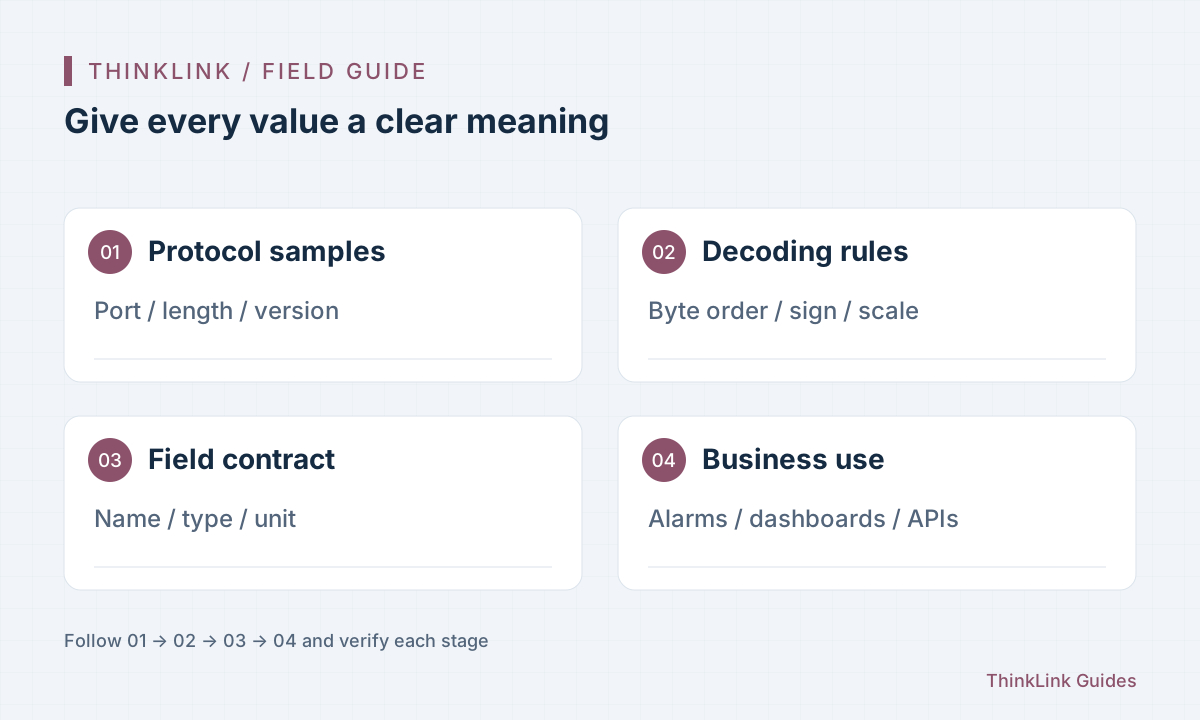
Define fields before downstream systems start guessing
If different devices call temperature temp, T and temperature, dashboards and alarms need repeated adaptation. A thing model does more than convert bytes: it gives data stable, understandable meaning.
List field name, meaning, unit, type, valid range, missing-value representation and source protocol version. Follow existing team conventions rather than renaming deployed fields for an example. Distinguish cumulative totals from instantaneous values, and states from measurements.
| Example field | Meaning | Check |
|---|---|---|
| temperature | Current temperature in °C | Signed values, scaling and error codes |
| humidity | Relative humidity in %RH | Range, precision and missing values |
| water_total | Cumulative water volume in m³ | Accumulation, resets and rollover |
| sample_time | Time of this measurement | Device clock versus platform receipt time |
Decode from the protocol, not guesses about one sample
For a real AS payload, check port, message type, length and protocol version before applying byte order, sign and scaling rules. One plausible result does not prove that the decoder is correct.
ThinkLink provides model scripts and a testing entry point. Follow the current documented telemetry and attribute output structures, helper methods, runtime limits and available context. Slow external requests inside a decoder make ingestion depend on conditions outside your control.
Prepare at least three groups of samples
Normal messages should have expected values checked against a reference instrument. Boundary messages should cover permitted cases such as negative temperatures, maximum counters and status-bit combinations. Invalid messages should include short frames, unknown types, device errors and missing fields.
Agree on invalid-data behavior: ignore invalid readings or preserve diagnostic information as the protocol requires. Do not default decoding failures to zero; that can display false zero consumption or clear an alarm. The field table is a design example, not a universal device protocol.
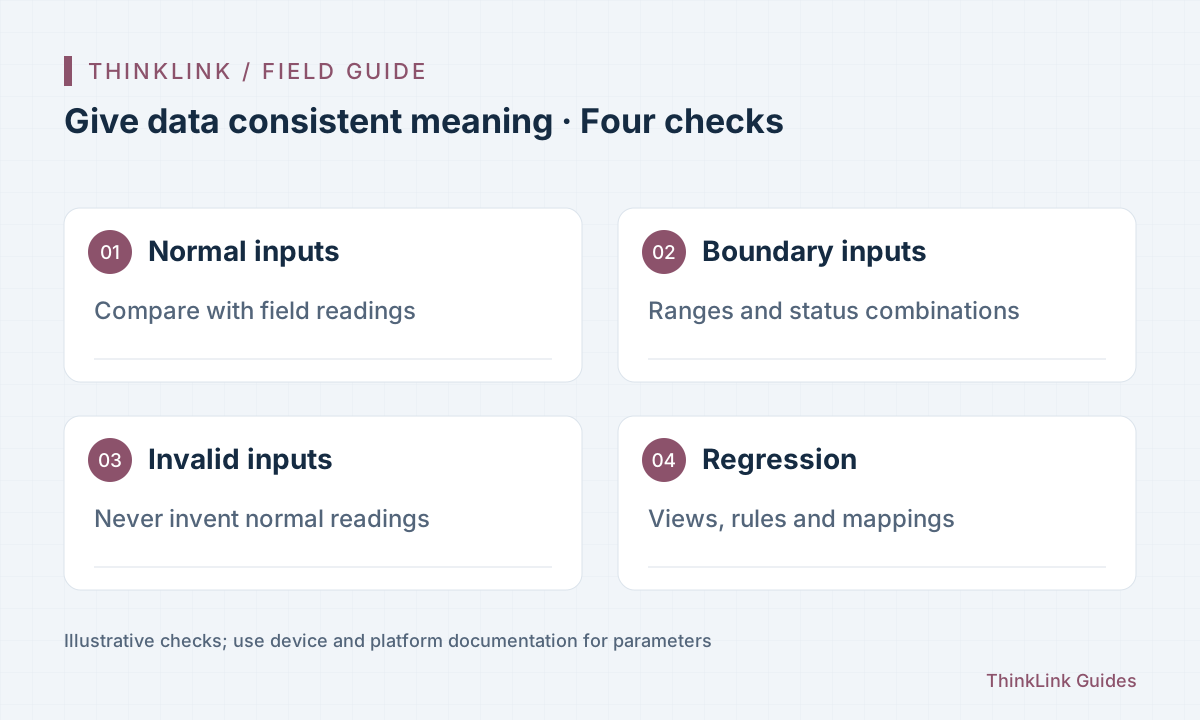
Check decoder output and presentation together
A field returned by a script but absent from the page does not prove the device failed to report. Inspect display fields, the selected model and device binding. Modbus or BACnet output needs its own mapping checks; a telemetry field alone does not configure protocol output.
Check units as well. Internal and display units may differ, but conversion must have one clear location. Converting liters to cubic meters in both the script and the dashboard produces an incorrect value.
Make model updates explainable and reversible
Record which device models and message formats a decoder change affects. Run saved samples first, then observe fresh reports from a small test group and check that existing dashboards and alarms can still read historical fields.
When a field's meaning changes, prefer a clearly named new field and a downstream migration over silently reusing the old name. Rollback must account for data already written: restoring the old script stops new errors but does not repair stored history.
Frequently asked questions
Can several devices share one thing model?
Yes, within its validated scope. Confirm matching protocols, firmware and field meanings with representative samples, not just model names.
Does successful decoding automatically make alarms and dashboards correct?
No. Check field presentation, model binding, threshold units and external protocol mappings separately.
References and further reading
This guide uses the official sources below. Diagrams explain the approach; consult the documentation for your version for exact menus, fields and capabilities. Linked sources are in Chinese.