ThinkLink Guides / Field operations
ThinkLink data not updating: separate measurement, receipt and display
Trace an unchanged value through field semantics, message timing, model output and page reads before treating it as the current device state.
Identify whether the field is telemetry or configuration, then compare the same device and field across raw messages, parsed results and the page. An unchanged value can be valid; a visible value can be stale.
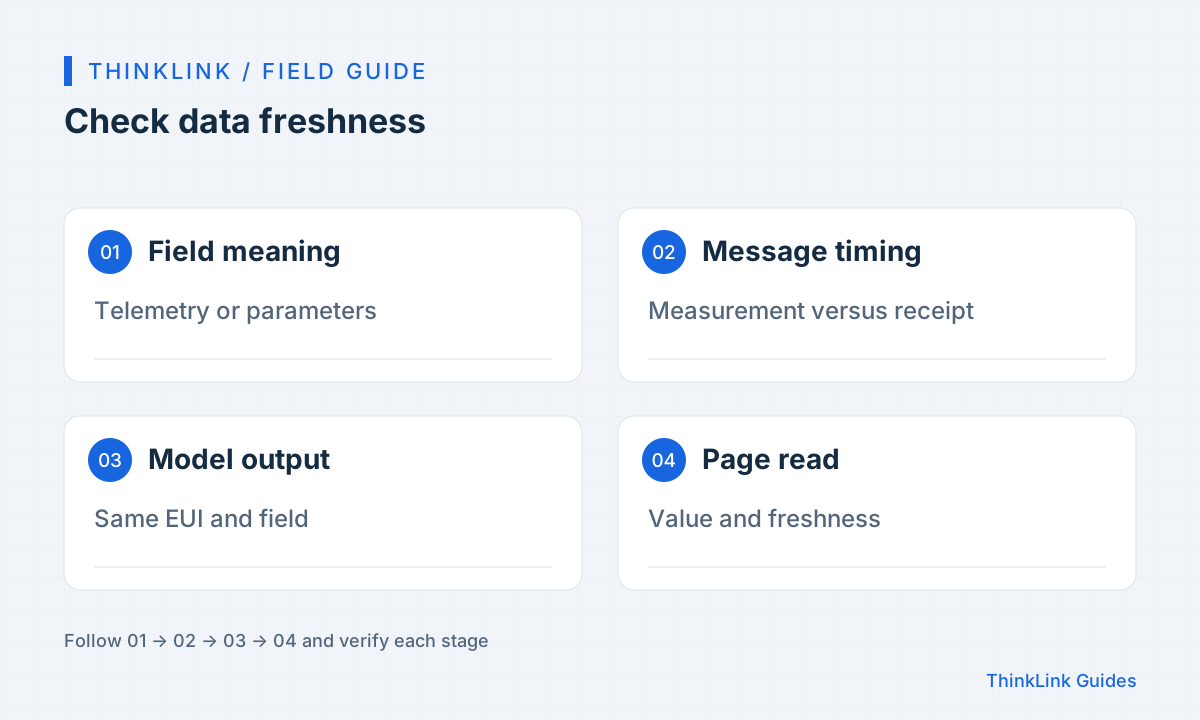
Decide what should change
A stable room can produce identical temperatures, while a configuration reply can remain unchanged for days. ThinkLink distinguishes measurement telemetry from device parameters; some parameter names contain PARA, but third-party models must be checked individually. Record the EUI, model, field, unit, expected reporting behavior and last known good time. Distinguish the expectation of a new message from the expectation of a different value. Repeated page refreshes cannot establish either condition, and the parameter-read interval is not necessarily the sampling interval.
Keep three clocks separate
For one sample, record measurement time, platform receipt time and the last successful page read. If the protocol provides no measurement timestamp, mark it unknown instead of substituting receipt time. A historical message received now may describe an old measurement. Conversely, the platform may hold a newer value than the page has read. Normalize time zones while preserving original timestamps and their meaning. Configuration update time is another distinct timestamp. This comparison separates field, transport and display delays without constructing a false synchronized snapshot.
Follow one identity through the layers
For LoRaWAN, compare NS and AS records in the same interval before examining model output. MQTT and serial sources follow their own ingress paths and need not appear in the LoRaWAN NS view. Fresh raw messages with missing business values suggest checking model bindings, message types and parser branches. Fresh parsed values with an old display suggest checking the selected model, device and page read. Keep the same EUI and field throughout, especially where devices share names or one device has several models.
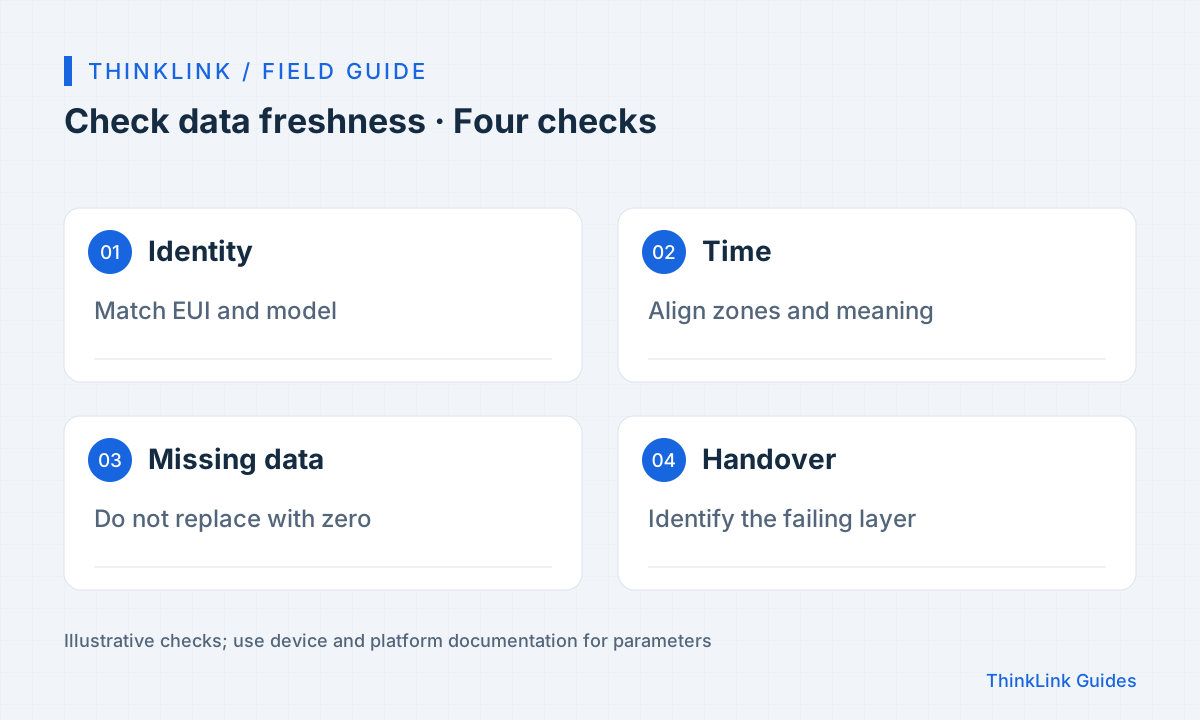
Verify with a controlled sample
Wait for a normal report from a test device or use a harmless method permitted by its manual. Capture the raw message, parsed result and displayed value. Even an identical value can prove fresh delivery when its message timestamp advances. Test a missing field and a reporting interruption as well. A custom dashboard should explain when the value was last updated and when it becomes stale. Agree freshness limits from the actual reporting cycle and business needs; this is an application design recommendation, not a claim of a universal built-in field feature.
- Confirm the EUI, model and field.
- Align raw messages, parsed output and display time.
- Test missing fields and interrupted reporting.
- Record historical gaps that remain after the fix.
Turn the finding into an action
Record the last layer that passed and the first that did not. “The payload changed but the model omitted the target field” gives the next engineer a useful starting point. Attach a redacted sample, model version, time interval and reproduction conditions. After the fix, repeat the comparison and query history separately: restored live display does not backfill missing records. If the value was simply stable, document its meaning and timing instead of changing measurements merely to create movement on a chart.
Frequently asked questions
Do identical values mean reporting stopped?
No. Check message times and payloads; stable conditions can produce repeated readings.
Can a newly received historical message represent the present?
Receipt time alone is insufficient. Check measurement time and message type, and mark missing measurement times unknown.
References and further reading
This guide uses the official sources below. Diagrams explain the approach; consult the documentation for your version for exact menus, fields and capabilities. Linked sources are in Chinese.