ThinkLink Guides / Control and maintenance
Verifying ThinkLink remote control: RPC logs, device feedback and physical state
Build an evidence chain from intent and RPC parameters to downlink records and independent readback, without confusing UI success with physical action.
RPC logs help trace invocation, inputs and actions, but a log entry does not establish device execution. Check target identity, parameter encoding, downlink routing and device or physical feedback. Start batch changes with one test device.
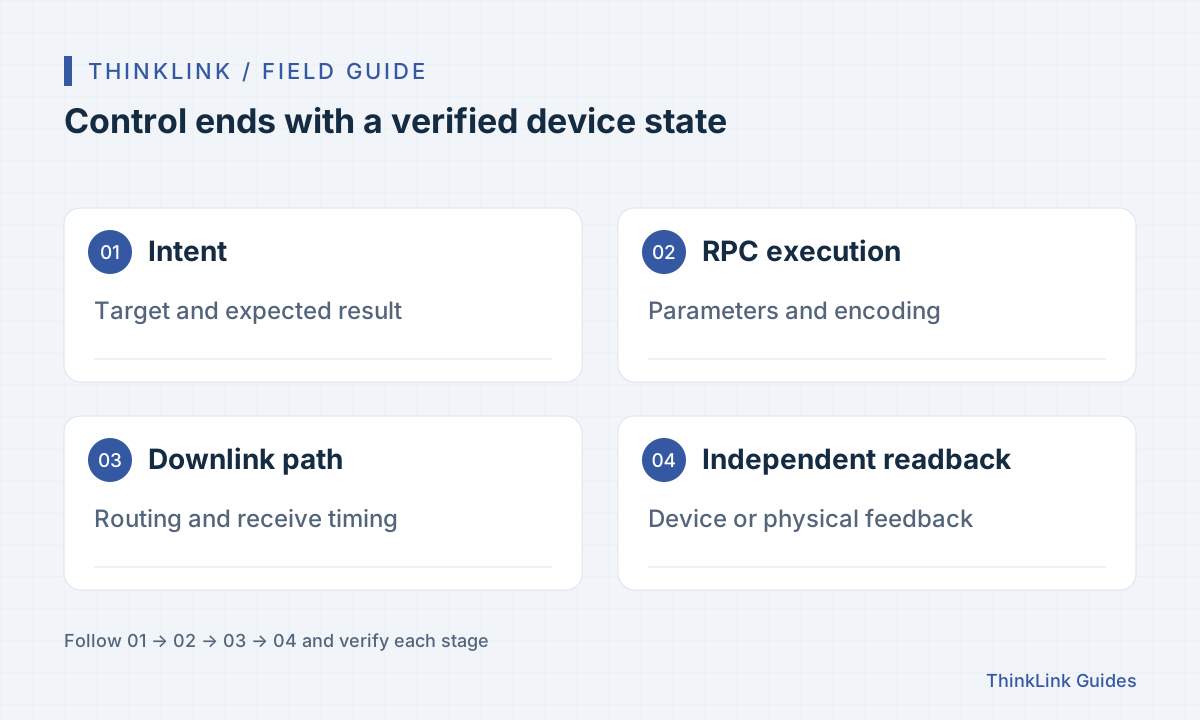
Define the expected result before executing
Preparation means defining what should change, not merely finding a button. Reading settings, changing reporting intervals and switching an actuator have different effects and verification needs. Record the target, expected value, waiting period and failure response first.
Display names aid recognition, but routing needs the correct identity. Check environment, organization and device when several similar devices or tenants exist, so a test does not reach production equipment. Arrange a field observer and recovery method for actions that need on-site support.
Check the RPC model and parameter sources
ThinkLink RPC models turn call parameters into actions. Confirm the expected model binding, method name and parameter meanings. A value in an input box is a script argument, not necessarily the final bytes or protocol frame sent to the device.
Some parameters come from attributes or model configuration, so manual inputs are only part of the check. Record the final parameters on a test device and compare units, ranges and ports with its protocol. After writing, confirm the actual state through an independent read or report.
Record four different kinds of evidence
UI responses, RPC execution logs, network downlink records and device feedback come from different layers. RPC logs expose inputs and full context; content in All Data is not automatically a device response. Correlate it with AS data, device reports or attribute readback.
| Evidence | What it shows | Next check |
|---|---|---|
| UI response | The operation request was processed | Target and RPC execution record |
| RPC log | Inputs, actions and invocation context | Encoding and network downlink |
| Downlink record | The command entered its delivery path | Applicable device feedback |
| Device or field readback | A verifiable change in target state | Expected value and business outcome |
Include communication timing in timeout decisions
Devices receive downlinks differently. LoRaWAN Class A receive opportunities follow uplinks, so web response speed does not establish execution time. For devices behind an external network server, inspect its downlink queue and forwarding path as well.
Before retrying missing feedback, determine where the command stopped. Repeated clicks can enqueue the same action repeatedly. For commands that should not be repeated, verify the current device state before taking an explicit corrective action.
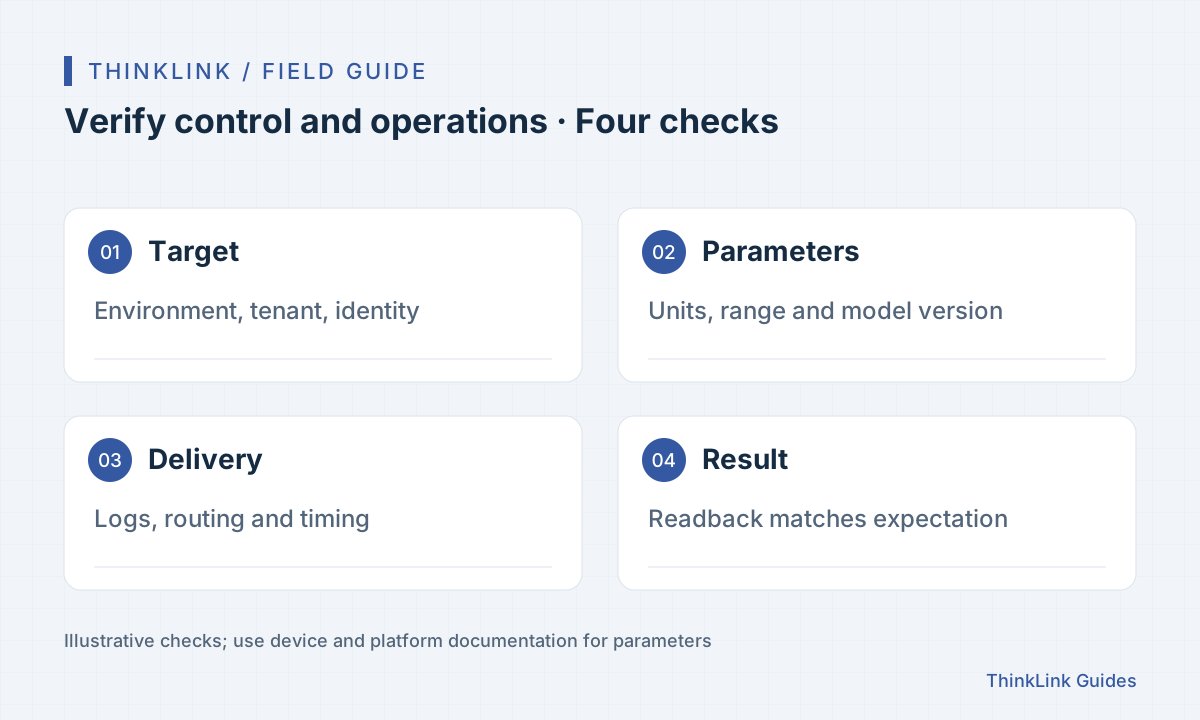
Expand batches from a small, verifiable sample
Start with one representative device, then a small group, then the confirmed scope. Save target lists, original settings, operation results and readback at each step. Count successful API calls separately from devices where the change actually took effect.
Retry only verified unfinished targets instead of resending the entire batch. Retain evidence and follow-up plans for exceptions. If the model or parameter range changes, repeat the small-sample validation rather than relying on a previous batch's success.
- Confirm environment, organization and device list.
- Check model, parameter range and original state.
- Execute on one device and inspect logs and independent readback.
- Expand gradually and retry only verified unfinished targets.
Frequently asked questions
Does an RPC log entry prove successful device execution?
No. It records platform execution context. Confirm the result through device feedback, state reads or field observation.
Why read each device after a batch change?
Only some targets may be ready to receive the command. Readback separates applied, unconfirmed and failed changes and avoids unnecessary repetition.
References and further reading
This guide uses the official sources below. Diagrams explain the approach; consult the documentation for your version for exact menus, fields and capabilities. Linked sources are in Chinese.