ThinkLink Guides / System integration
ThinkLink MQTT integration: choose application payloads or decoded telemetry
Connect external systems through brokers and forwarders, distinguish AS payloads from decoded telemetry, and verify connections, subscriptions, transformations and receipt.
Choose suitable AS data if the receiver needs to decode device payloads. Prefer decoded telemetry if it needs fields such as temperature and humidity. Verify broker connectivity, enabled rules, topic matching and target receipt separately.
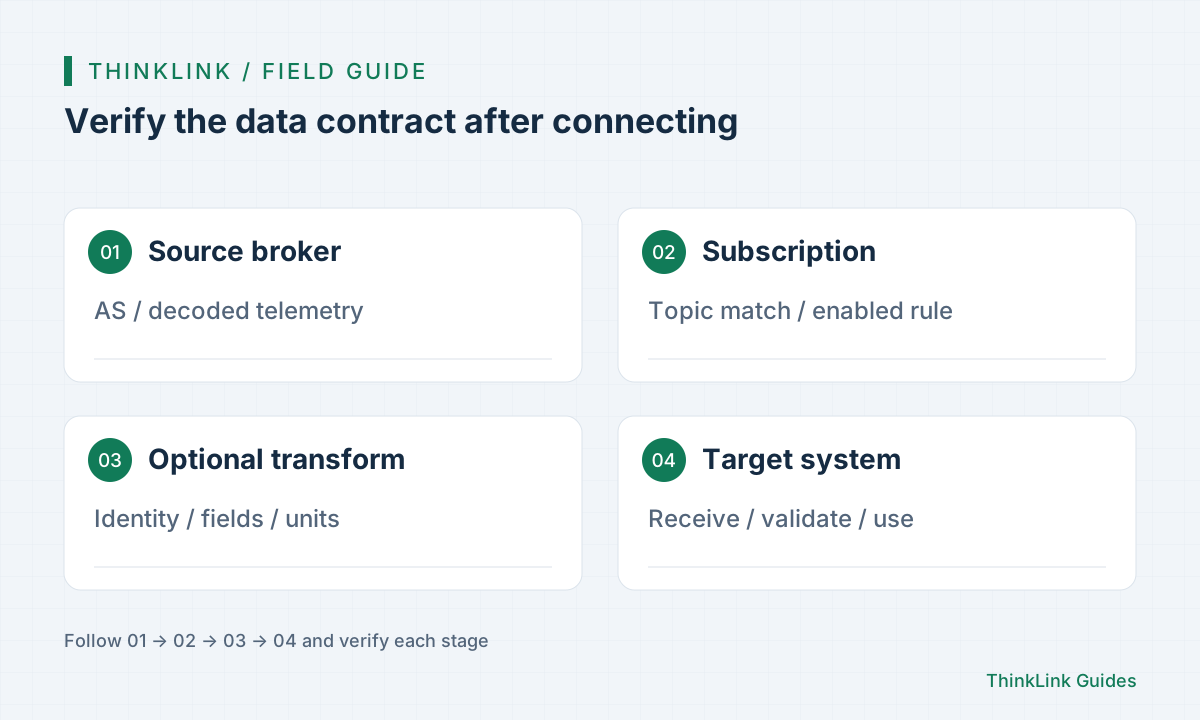
Agree on the data contract with both systems
Supporting MQTT does not mean two systems automatically understand each other. Agree on device identity, topics, format, units, timestamp meaning and error handling. Start with one verified message and ask the receiver which fields it needs.
Choose application payloads when the receiver owns protocol decoding. For business analysis, thing-model telemetry usually avoids duplicate decoding. Both serve valid purposes; missing fields caused by choosing the wrong source are not a network fault.
Choose between AS and ThinkLink messages
The documentation lists AS and ThinkLink as separate internal broker types. AS provides decrypted uplink messages; ThinkLink provides telemetry processed by a thing model. Subscription topics must match the message layer and actual organization, rather than copying another environment's path.
| Data layer | Receiver's purpose | Still required at the receiver |
|---|---|---|
| AS application messages | Preserve payloads and decode independently | Port, payload, protocol and device identity |
| Decoded telemetry | Business views, analysis and automation | Field contract, units, time and invalid values |
| External NS bridge | Keep ChirpStack / TTN while using ThinkLink | Uplink/downlink direction, device records and model binding |
Configure connection, subscription, then transformation
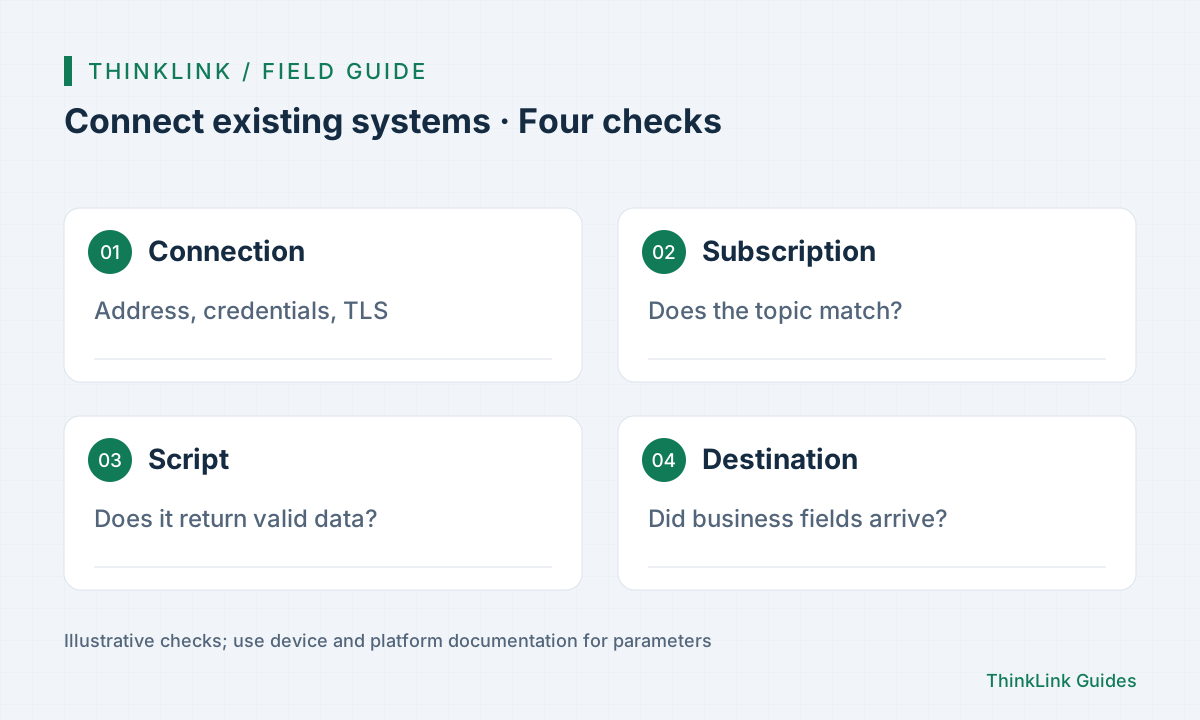
Current third-party MQTT forwarding uses brokers and forwarders. Configure source and target connections, check the target broker status, then enable a forwarding rule and set its subscription topic. Obtain addresses, credentials and certificates from the receiving system's requirements.
Initially omit transformation scripts and verify that the original message reaches a test topic. Then add renaming, filtering or topic conversion. Keep input and expected-output samples at each step to distinguish missing messages, dropped messages and changed formats.
Keep an existing ChirpStack or TTN network
The official bridge documentation describes bidirectional MQTT paths for ChirpStack v4 and TTN v3. Uplinks are normalized into AS format by the forwarding layer before thing-model processing; downlinks use the external network server's interfaces. Appropriate device records and model bindings are still required in ThinkLink.
This suits projects that retain their network service while adding ThinkLink data features. Test both directions: one received uplink does not prove the downlink queue, target device or receive windows work, and does not imply that all historical data has synchronized.
Assign responsibility for disconnections and duplicate messages
Automatic reconnection does not guarantee replay of every business message missed during an outage. The forwarder documentation describes subscription restoration without adding offline buffering or replay guarantees. If compensation is required, design and test historical queries, persistence or business retries.
The receiver should also address duplicates, out-of-order timestamps and device identity mapping. Track a few messages by source time, target topic and receipt, then simulate connection loss and recovery. Acceptance should establish explainable business results, not merely a connected-status screenshot.
- Confirm a real source message.
- Check subscription topic and rule enablement.
- Verify device, fields, units and time at the destination.
- Test reconnection and record any extra compensation required.
Frequently asked questions
Must I enable third-party forwarding on every device?
Current documentation uses broker and forwarder rules; the old device-level switch is retired. Follow the documentation for the installed version.
Why is there no telemetry at the destination despite a connected MQTT broker?
Check the subscription topic, selected data layer, rule enablement and script return value. Connection status does not establish delivery of a business message.
References and further reading
This guide uses the official sources below. Diagrams explain the approach; consult the documentation for your version for exact menus, fields and capabilities. Linked sources are in Chinese.