ThinkLink Guides / System integration
Exposing ThinkLink data to SCADA and BMS: Modbus TCP, BACnet and OPC UA acceptance
Verify edge deployment scope, single-organization instance limits, point-table encoding and write-back RPC acceptance for Modbus TCP, BACnet/IP and OPC UA.
ThinkLink's built-in Modbus TCP, BACnet/IP and OPC UA servers run only on TKG gateways and TKE edge servers—not on cloud—and each running process serves one organization at a time. Acceptance must verify service state, device switches, point-table encoding and physical write feedback as four separate stages.
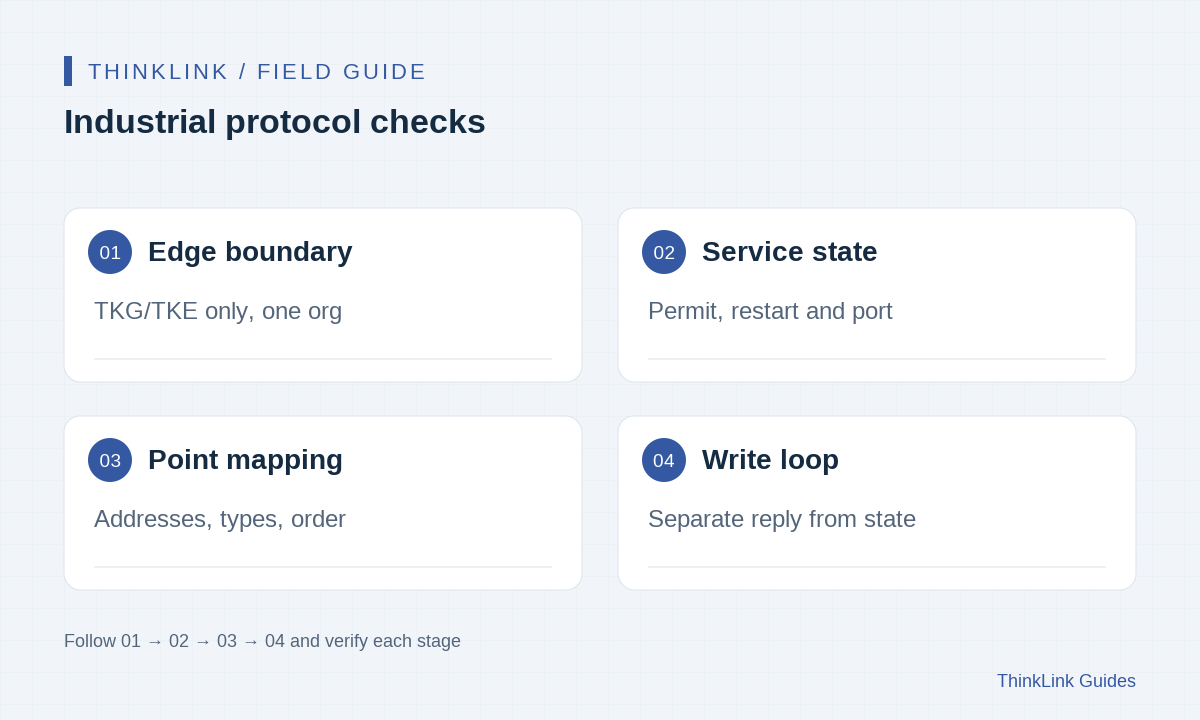
Confirm edge deployment scope and single-tenant runtime limits
Before integrating ThinkLink with SCADA, HMI, PLC or building management systems, confirm where ThinkLink runs. Modbus TCP Server, BACnet/IP and OPC UA Server are supported only on TKG (gateway-hosted ThinkLink) and TKE (edge servers), not on the cloud platform. Seeing a configuration menu in the cloud UI does not mean a field protocol listener runs there.
All three services share a critical runtime rule: one running process serves only one organization at a time. Starting the service in a second organization stops or replaces the previous organization's instance; changing ports cannot run multiple organizations in parallel inside one process. Disabling global permission stops the service while retaining point tables, and re-enabling requires a manual restart to reach RUNNING state.
Comparing Modbus TCP, BACnet/IP and OPC UA point models
In all three protocols, ThinkLink acts as the server exposing device telemetry and selected attributes to supervisory clients, and optionally dispatches bound RPCs when clients write to writable points. Choose by target ecosystem: Modbus TCP fits legacy PLC and SCADA polls, BACnet/IP provides standard building automation objects with COV notifications, and OPC UA offers encrypted, authenticated node access for modern industrial clients.
Across every protocol, saving configuration never starts a stopped service, and each target device must explicitly enable its protocol switch (modbus_tcp, BACnet or opc_ua). Editing a device template does not retroactively toggle existing devices, so inspect live device flags after bulk onboarding.
| Protocol server | Default endpoint & security | Mapping & encoding focus | Common integration issues |
|---|---|---|---|
| Modbus TCP Server | Typical port 502 on controlled OT networks | Hex register addresses vs decimal register counts; match LE/BE byte order | Overlapping multi-register floats, missing RPC binding on write points |
| BACnet/IP | Built-in server with 6 object types and COV subscriptions | Unified data_from for telemetry/attributes; server_attrs._online as binaryInput | Renumbered object_id not re-exported; default 0 misread as proven offline |
| OPC UA Server | opc.tcp://host:4840/thinklink; use SignAndEncrypt with dedicated credentials | Resolve namespace URI dynamically; telemetry read-only, attributes writable only when enabled | BadOutOfService (switch off or offline), BadTypeMismatch without auto-casting |
Point-table alignment, byte order and online-status mapping
In Modbus TCP register mapping, addresses use hexadecimal notation while automatically calculated register counts display in decimal—for example, FloatBE occupies 2 registers and cannot be overridden manually. Always account for full register width when assigning subsequent addresses and align LE/BE byte order with the client. In BACnet, saving, deleting, importing, incrementally generating or renumbering points syncs automatically to a running service without an Apply button, whereas network listener changes still require Submit and Restart; renumbering object IDs requires delivering an updated Excel table to the BMS integrator.
For OPC UA, NodeIds follow ns=1;s=<node_id> under namespace URI urn:thinklink:opc-ua:<tenant_code>, so clients should resolve the namespace index by URI instead of hardcoding it. Updating display names or data mappings preserves active subscriptions if the node record, NodeId, value type and writability stay unchanged, whereas changing those four fields recreates the node. When mapping server_attrs._online in BACnet, remember default 0 can also represent a missing attribute rather than confirmed offline status.
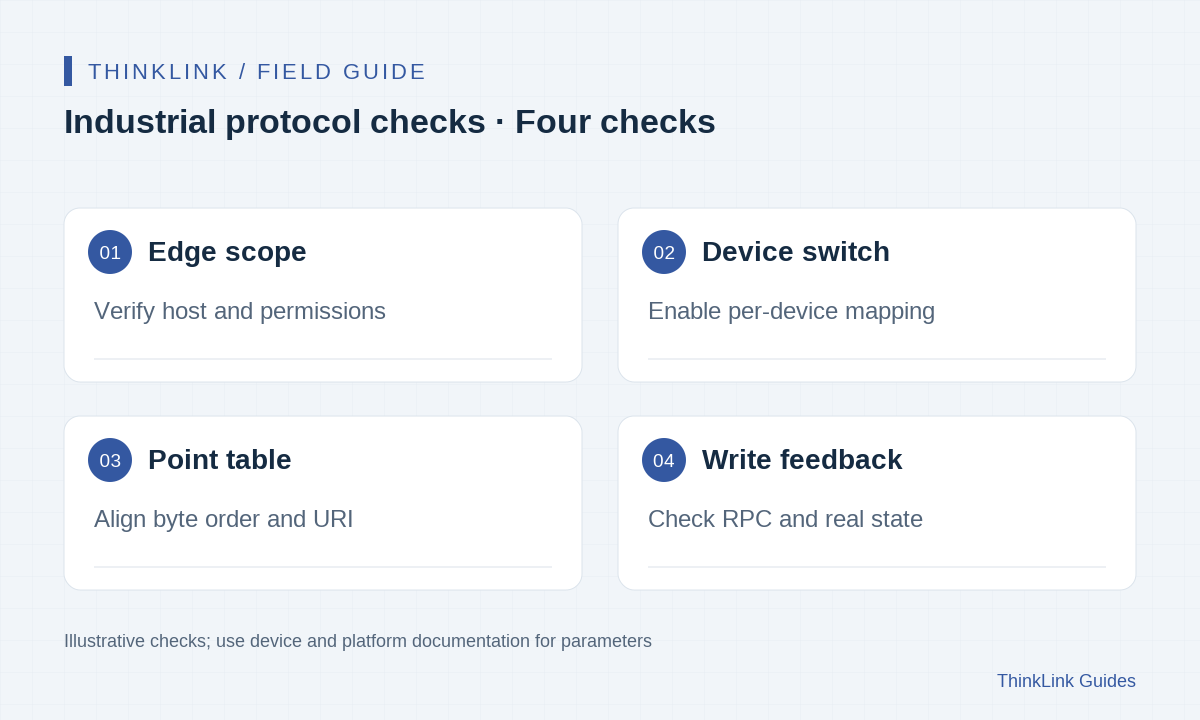
Four-stage verification from server listener to physical feedback
The most frequent handover mistake in OT integration is equating a successful protocol write with completed physical actuation. A Modbus holding-register write, a BACnet Output/Value write or an OPC UA Good status code confirms only that ThinkLink accepted the write and invoked its bound RPC—not that radio delivery succeeded or field hardware moved.
Validate at least one test device across four checks before handover: live reads, subscription or COV updates, fault status codes and controlled writes. Verify non-zero Modbus holding-register write/readback alongside RPC logs, confirm OPC UA returns BadOutOfService when disabled or offline and BadNotWritable on telemetry nodes, and enforce dedicated credentials with Basic256Sha256 encryption rather than anonymous access or platform tokens.
- Confirm TKG/TKE deployment, system service permission, RUNNING status and reachable host/container ports.
- Enable the protocol switch on target devices, generate or import points and export the delivery spreadsheet.
- Test discovery, scaled values, byte order and COV or subscription delivery from the actual SCADA/BMS client.
- Execute one controlled write and verify protocol status, RPC log, attribute readback and physical device state separately.
Point-table governance and multi-organization change discipline
Deliver the exported Excel point table alongside listening ports, container mappings, OPC UA security settings and RPC write semantics for every writable point. Coordinate any register reallocation, object_id renumbering or NodeId change with the supervisory system integrator before applying changes.
On edge hosts shared across staging and production organizations, always coordinate cutover windows before starting a protocol server in another organization so active SCADA or BMS connections are not displaced unexpectedly. Keeping service state, point-table revisions and field verification logs separate makes on-site troubleshooting fast and unambiguous.
Frequently asked questions
Can one edge host run Modbus TCP or OPC UA for two organizations on different ports?
No. Each running process serves only one organization at a time; starting the service in another organization stops or replaces the earlier instance.
Does an OPC UA Good write status or BACnet write reply prove physical execution?
No. It confirms only platform-side processing and RPC dispatch; physical actuation must be verified via RPC logs, device replies or subsequent telemetry.
Why can I see BACnet or Modbus menus in cloud ThinkLink yet fail to connect from site?
Modbus TCP, BACnet and OPC UA server listeners run only on TKG gateways and TKE edge servers; cloud deployments do not host field protocol listeners.
References and further reading
This guide uses the official sources below. Diagrams explain the approach; consult the documentation for your version for exact menus, fields and capabilities. Linked sources are in Chinese.