ThinkLink Guides / System integration
ThinkLink HTTP data ingestion: choosing between parse-payload and write-telemetry
Compare parse-payload and write-telemetry request layouts, model selection rules, tenant scopes and non-transactional batch limits before automating HTTP writes.
Use parse-payload when ThinkLink's bound thing-model scripts should decode raw JSON payloads, and write-telemetry when an external system has already parsed fields for a specific bound model. Both endpoint families—and the UI Simulate Send action—produce real side effects, and batch execution is not transactional.
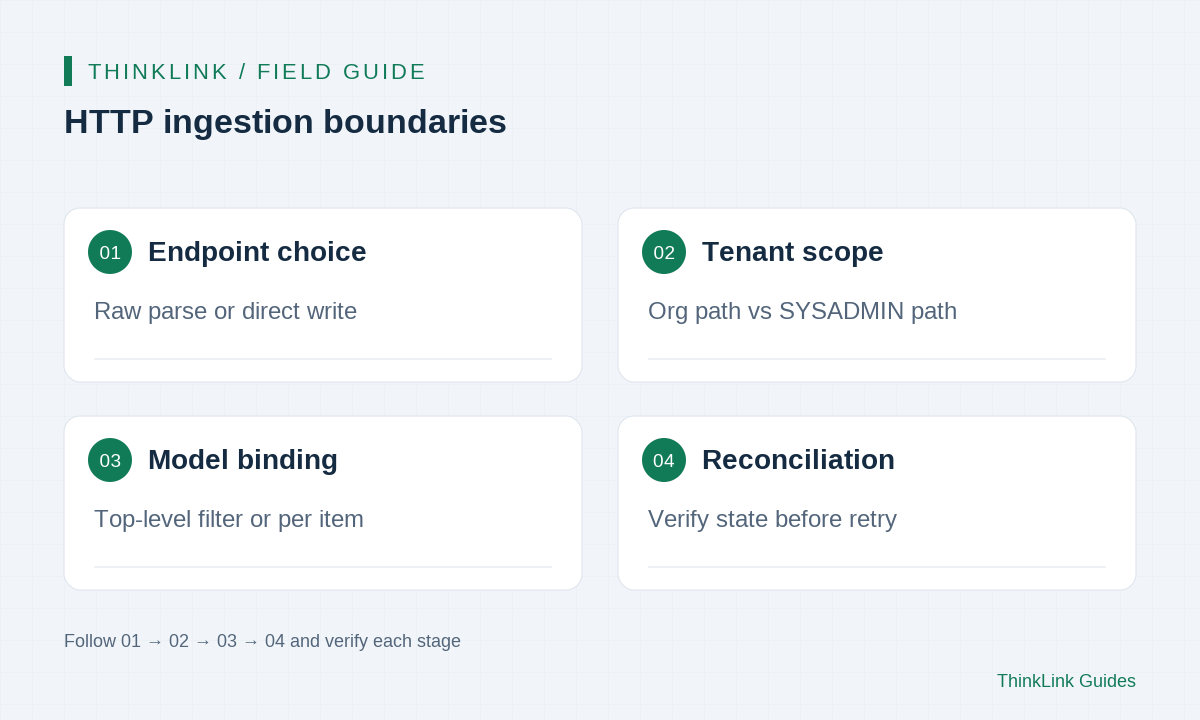
Treat HTTP writes and UI simulation as live ingestion
Before pushing data into ThinkLink over HTTP, recognize that both parse-payload and write-telemetry are side-effecting production ingestion paths. Each accepted call updates device activity time and latest telemetry, writes history according to real_time_storage, and fires forwarders, triggers and linked virtual-device parsers. The web UI's Simulate Send button follows the same live path rather than running a dry-run sandbox.
Both endpoint families also enforce strict scope boundaries: they are not historical backfill APIs, attribute editors or generic RPC dispatchers. Passing a timestamp field inside telemetry does not convert a request into historical backfill—the server updates update_time and activity time using current server time, and ordinary telemetry writes do not change configuration timestamps. Always confirm the organization, test EUI and saved model bindings first.
Structural differences between parse-payload and write-telemetry
All endpoints require POST, JSON payloads and an existing token header. Organization routes live under /thinklink/device/, where the token determines the tenant (an optional tenant field must match it). System routes under /thinklink/system/device/ require SYSADMIN privileges and an explicit top-level tenant code; supplying tenant alone never grants cross-organization access.
Choose the endpoint by where decoding lives. If an external bridge or platform sends raw JSON objects that should pass through ThinkLink's bound model scripts, call parse-payload or batch-parse-payload. If upstream software already produced structured fields and you want to merge them directly into one bound model without running the target device's decoder script, call write-telemetry or batch-write-telemetry.
| Aspect | parse-payload / batch-parse-payload | write-telemetry / batch-write-telemetry |
|---|---|---|
| Input data.msg | Raw JSON object passed directly to model scripts without wrapping eui/tenant | Contains model identifier plus object msg.data, preserving 0, false, null and nested objects |
| Target decoder script | Runs selected bound models, or all bound models if filters are omitted | Skips the target device parser; linked virtual devices may still run their own parsers |
| Model selector location | Top-level thing_model_ids or thing_model_id_names only | Per-item msg.thing_model_id or msg.thing_model_id_name |
| option.return_data: true | Returns raw output from each executed script (object, array or null) | Returns the merged telemetry snapshot for that model with server update_time |
Common mistakes with model filters, types and merging
For raw payload parsing, thing_model_ids takes database ID strings and thing_model_id_names takes technical id_name identifiers—never display names. Place these filters strictly at the request top level; nesting them inside data items returns HTTP 400. Omitting both executes all bound models in binding order, while empty arrays or blank values are rejected. In batch parsing, every device in the batch shares the same top-level filter and must have valid bindings and permissions.
For direct telemetry writes, the device must already exist and be bound to the named model—the API neither creates devices nor adds bindings automatically. msg.data must be a JSON object (an empty object is valid, but null, arrays or strings are rejected). Values 0, false and null are preserved verbatim, and updates merge into existing model telemetry without erasing omitted keys. option.return_data accepts only boolean true or false, not string "true".
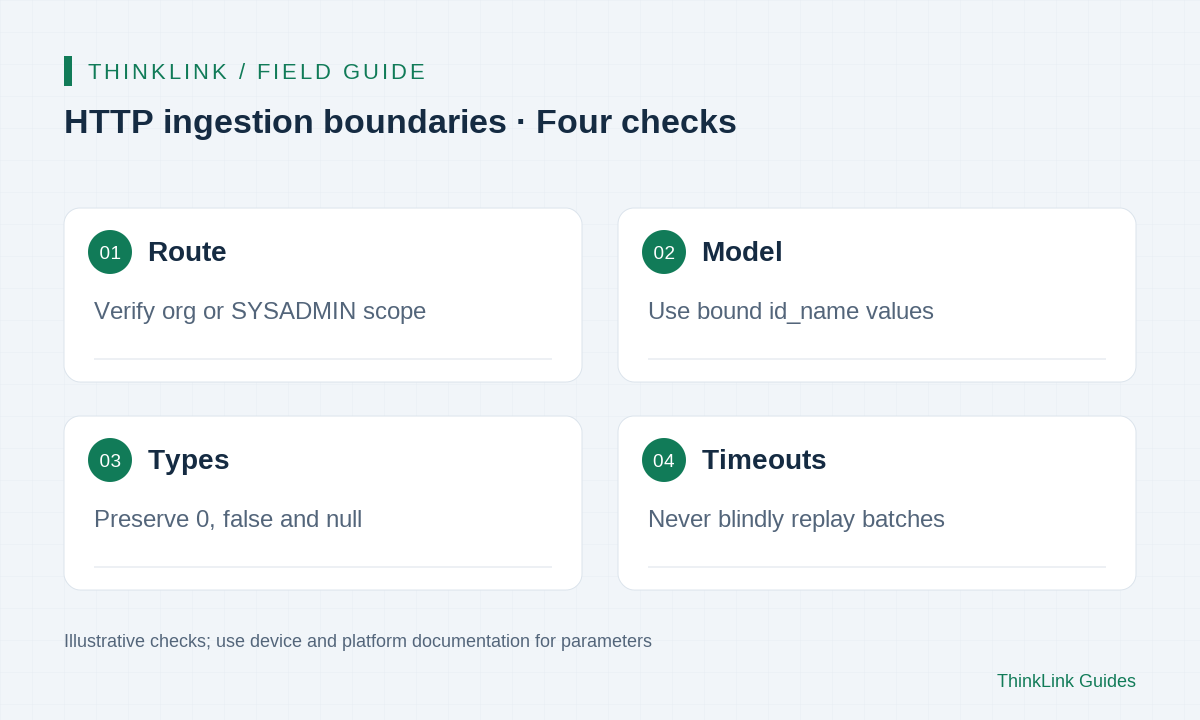
Batch preflight, partial execution and timeout reconciliation
A batch request belongs to a single organization, permits repeated EUIs and executes items in input order without deduplication. The server validates parameters, tenant scope, device existence, permissions and bindings across the entire batch first; if preflight fails, nothing writes. Once execution begins, however, the batch is not a transaction: the first runtime error halts remaining items without rolling back earlier writes or notifications, and the failing item may already have partial side effects.
Whenever a client encounters a network timeout or ambiguous response, mark the batch as result-unconfirmed rather than replaying the full payload. Blind retries can duplicate historical rows or external alerts. Remember too that an HTTP success response confirms the API step completed, not that database buffers have flushed, external alerts arrived or physical equipment reacted.
- Send a single test call with option.return_data: true and inspect the raw script output or merged snapshot.
- Explicitly test 0, false, null and omitted keys to verify merge semantics preserve existing fields.
- Check real-time data, history storage (according to real_time_storage), triggers and forwarders.
- Build timeout reconciliation in batch clients so unconfirmed batches inspect latest values and history before retrying only unfinished items.
Contract and status-code conventions for production handover
Client integrations should handle HTTP status codes explicitly: 400 indicates invalid parameters, misplaced model filters, unbound models or script errors; 403 signals tenant or permission violations; and 404 means the target device was not found. Because older deployments missing the route can also return 404, inspect the error payload and server version rather than silently falling back to a different write endpoint.
Document the exact route scope (organization or system), bound model id_name values, allowed telemetry fields and retry policy before enabling production traffic. Completing end-to-end tests on a dedicated test device with a least-privilege token keeps development payloads out of live alarms and reports.
Frequently asked questions
Can write-telemetry backfill historical charts by including an older timestamp?
No. HTTP telemetry ingestion is not a backfill interface; the server always stamps update_time and device activity with current server time.
If item 5 in a batch fails during execution, are items 1 to 4 rolled back?
No. Preflight rejects invalid batches before writing, but runtime execution is not transactional; stopping on the first error leaves earlier writes and notifications in place.
Does the UI Simulate Send button trigger live alarms and MQTT forwarding?
Yes. Simulate Send runs through the real ingestion pipeline, updates latest values and triggers downstream rules, so use it only on test devices.
References and further reading
This guide uses the official sources below. Diagrams explain the approach; consult the documentation for your version for exact menus, fields and capabilities. Linked sources are in Chinese.