ThinkLink Guides / Connectivity and troubleshooting
No device data in ThinkLink? Trace the gateway, NS, AS and live telemetry
Distinguish gateway status, raw NS frames, decrypted AS messages and thing-model telemetry to locate problems with your first LoRaWAN device.
Find the last stage supported by evidence. An online gateway only confirms connection status. NS frames, usable AS messages and correct model telemetry are separate checkpoints. Change one identified problem at a time.
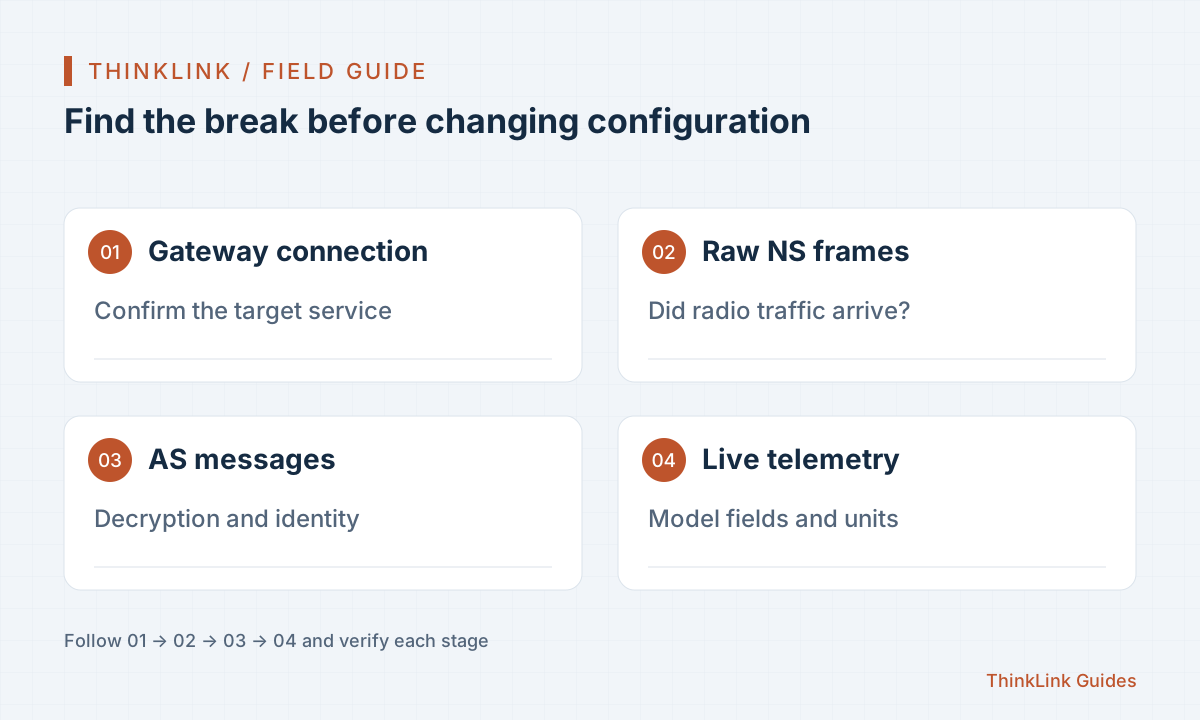
Start with a device whose readings you can verify
Use a device with complete protocol documentation and known settings. Choose a measurement you can independently verify, such as temperature against a reference instrument. This separates missing data from incorrectly interpreted values.
Record the model, region and frequency plan, activation method, reporting interval, firmware and thing model. Check keys in a controlled location, never in public screenshots or articles. A recognizable test name helps correlate a report across data pages.
What the four evidence layers establish
ThinkLink presents network messages separately from business data. Follow these checks for devices connected to its native LoRaWAN network service. For an external network server's MQTT bridge, inspect source messages and AS ingress first; external traffic need not appear in the local NS view.
| Checkpoint | What it establishes | What it does not establish |
|---|---|---|
| Gateway status | Connection to the target service | The device has joined or reported |
| NS data | Raw frames between gateway and network service | Successful payload decryption and decoding |
| AS data | Decrypted, structured application messages | Correct business fields from the thing model |
| Live data | The model produced visible telemetry | Correct units, ranges and all field values |
Locate the failure after the last successful stage
Check the gateway's target platform, then confirm device uplinks. For a reset or joining device, use DevEUI as documented to find join messages. Normal data after activation requires attention to DevAddr and query filters. The wrong identifier can hide existing records.
If NS has frames but AS has no usable message, inspect device records, activation and matching keys. If AS has a payload but live data is empty, inspect model binding, port branches and decoder output. Base64 represents bytes; a Base64 payload in AS does not imply that LoRaWAN decryption is unfinished.
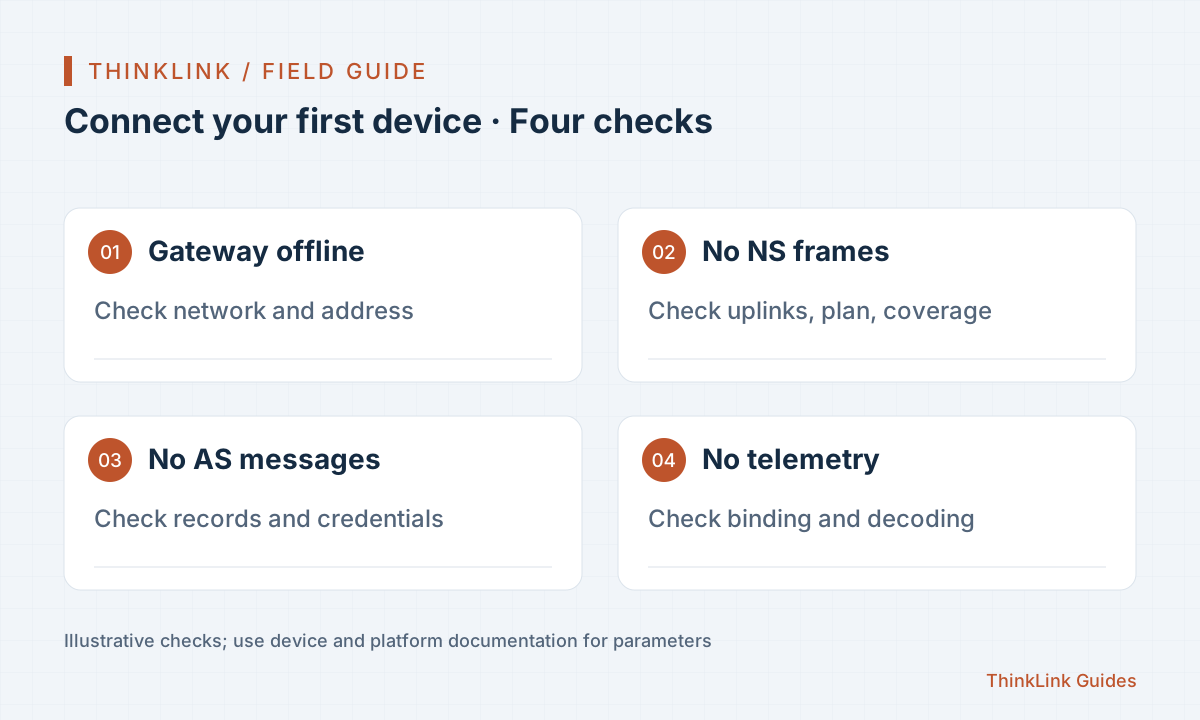
Correlate records from the same report
Use a short, fixed time window. Record gateway receipt time, report sequence and the AS application port. Test that payload in the model, then compare timestamps and fields with live data. Yesterday's payload and today's model may produce an irreproducible conclusion.
If possible, trigger one known physical change and record the time. Otherwise, wait for the configured reporting interval instead of repeatedly resetting the device. Keep a record of each parameter change so its effect is explainable.
Accept the first device before reusing its configuration
Check continuity, correctness and maintainability: does the device report on schedule, do units and fields match the site, and can an operator locate an outage and identify the model version?
Only then reuse applicable models and records. Similar appearance or model names do not guarantee identical protocols. Keep new test samples for different firmware, port definitions or sensor options.
- Save a valid report and its expected values.
- Check live data and historical queries.
- Verify how abnormal or missing data is displayed.
- Record the troubleshooting path, model version and owner.
Frequently asked questions
Why is there no temperature when the gateway is online?
Joining, decryption and model decoding still sit between gateway connectivity and business data. Inspect NS, AS and live data in order before changing configuration.
Do I still need a thing model when AS contains data?
Usually yes. The application payload still needs interpretation into fields and units according to the device protocol; the thing model performs that step for downstream use.
References and further reading
This guide uses the official sources below. Diagrams explain the approach; consult the documentation for your version for exact menus, fields and capabilities. Linked sources are in Chinese.