ThinkLink Guides / Edge collection
Multi-device RS-485 metering with one EdgeBus DTU: channels, multiDev and multi-packet checks
Scale from one verified RS-485 sensor to multi-device polling with independent channels or native multiDev while preventing slot collisions and mixed-round packets.
Always verify one sensor first and archive its EdgeBus source, binary and serial baseline. Choose independent EBHelper channels when sensors need separate enable flags or intervals, or native multiDev when identical meters share one query schedule; route uplinks by actual reply address via sub_device and guard multi-query meters against mixing stale and fresh rounds.
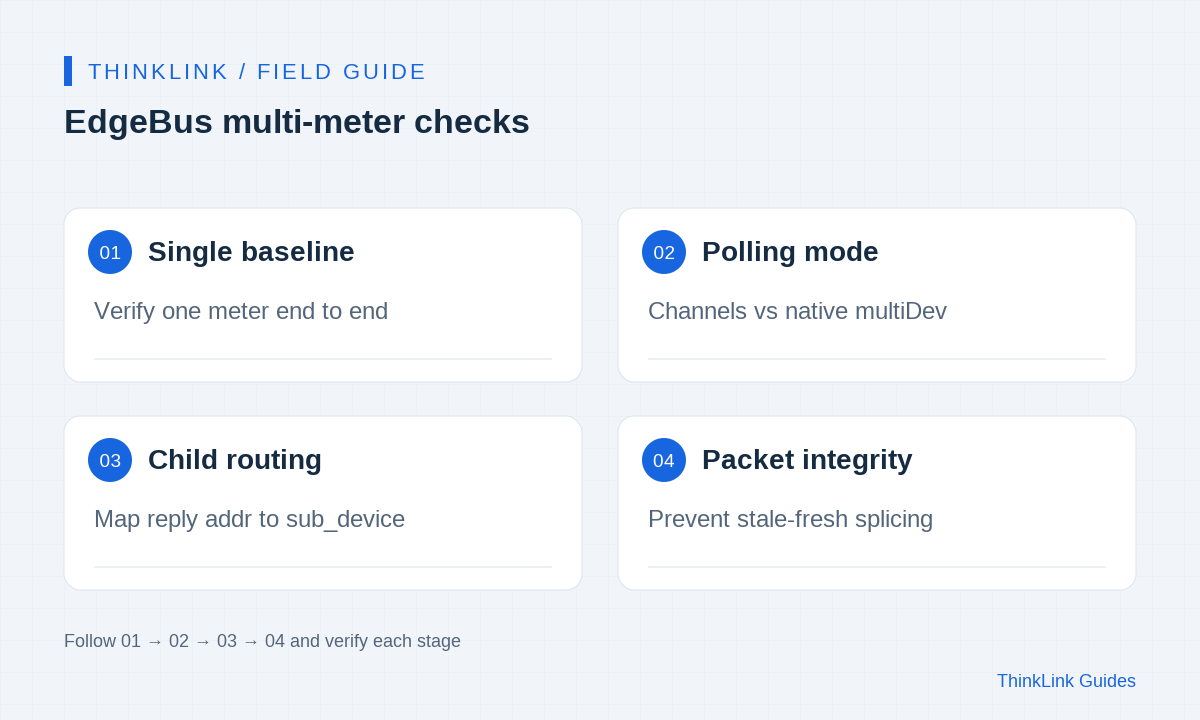
Start from a verified single meter and decide on cadence independence
When scaling one RS-485 collector (such as KC21; M-Bus collectors like KC22 share channel and child-routing concepts while using their own bus wiring and addressing) to poll multiple identical sensors that share a protocol and point table, do not rewrite from scratch. Preserve the verified single-device EdgeBus source, compiled binary, firmware and EB versions, APP readback, and one aligned sample of serial request, serial reply, wireless uplink and thing-model output.
Before choosing a multi-device pattern, answer one design question: must any sensor be paused individually or polled on a different interval? If yes, create an independent EBHelper channel per sensor. If all sensors share the same query set and polling rhythm, use the native multiDev address table to poll them sequentially.
Comparing independent channels and native multiDev slot layouts
In the independent-channel design, each probe gets its own EventInfoItem, slave-address slot (such as APP150–152) and 4-byte little-endian period slot in seconds (such as APP70–81). PRE-copy inserts the channel's address into byte 0 of the serial request while APP60 is set to 0 to disable native table replacement. Before changing one channel's period, read back all channels via GET and submit the full form in SET so omitted enable flags do not accidentally disable sibling channels.
In native multiDev mode, one query set iterates across an address table on the parent DTU: APP60 holds device count, APP65 holds zero-based address offset (0 for Modbus RTU), APP66 holds address width, and APP67 onward stores contiguous slave addresses. Before sending each request, firmware executes PRE-copy, overwrites the address from the active table entry and recalculates CRC. Reserve space from APP67 for your planned maximum meter count so addresses never collide with legacy period or threshold slots.
| Pattern | Best fit | Key APP slots & grouping | Primary risk to verify |
|---|---|---|---|
| EBHelper independent channels | Meters require separate enable switches or polling intervals | APP60=0, per-channel address & period slots with PRE-copy | SET updates every channel; always GET full settings before editing one |
| Native multiDev polling | Identical meters share one query group and polling schedule | APP60 count, APP65 offset, APP66 width, APP67+ address list | Reserve max table size to avoid slot overlap; verify MulDev_NewGrpStart |
| Multi-packet per meter | One meter needs two or more serial queries (Q1, Q2) per round | Sequential Q1 (isLast: false) and Q2 (isLast: true) per channel | Q1 timeout plus Q2 success must never splice stale and new rounds together |
Child-device routing and multi-segment anti-splicing design
In both patterns, identical sensors should share one business thing model in ThinkLink while each bus address maps to its own child device under the parent DTU. Carry the slave address from the actual successful serial response into the wireless payload, and return { sub_device: tdata.addr, telemetry_data: tdata } at the top level of the parser so observations land on the exact child device. Update any legacy dashboards or subscriptions that previously read telemetry from the parent.
When a single meter requires two serial queries (for example Q1 reading registers 0–3 and Q2 reading registers 4–7), partial timeouts can corrupt buffers: if Q1 times out and firmware skips copying while Q2 succeeds, the buffer may mix last round's Q1 bytes with current Q2 bytes. Choose one explicit wireless delivery contract upfront: clear validity flags each round and send only complete snapshots, add a segment-validity mask so the model updates only valid fields, or transmit separate wireless packets per segment with address, packet type and round ID.
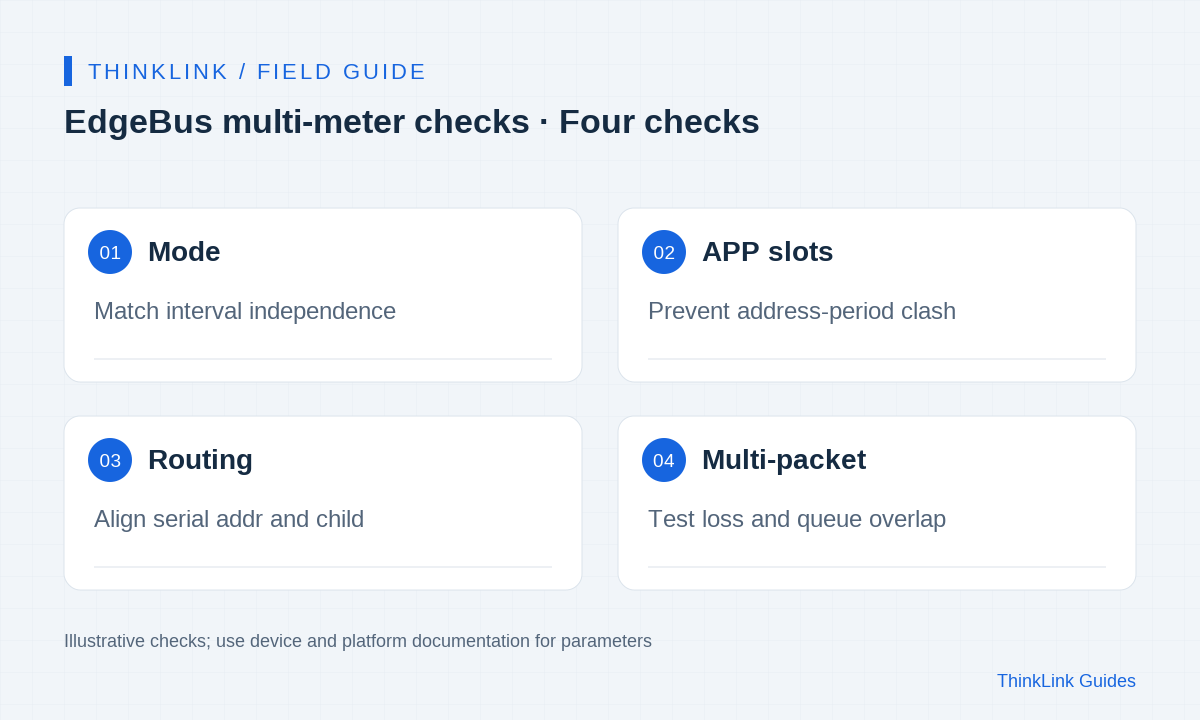
Bench acceptance across serial captures, radio queuing and control
Field acceptance must match every serial request and reply against actual wireless frames and child-device telemetry rather than merely seeing numbers arrive. For independent channels, assign distinct known values to at least two probes, capture two rounds, change only the second channel's interval and read back all channel settings to confirm unaffected channels keep their address, enable state and schedule.
Also test two subtle edge cases. First, when sending a business SET from child B through device.parent, an identical register value echoed by slave A must be credited only to A and never confirm B's command. Second, overlap a queued wireless uplink with the next polling cycle to verify whether a shared mutable template gets overwritten or coalesced; if every observation must be delivered intact, isolate queued copies or events and retest.
- Archive the verified single-device binary, APP readback, serial capture and uplink baseline.
- Assign distinct known readings to each slave and reconcile serial address, radio bytes and child telemetry.
- Verify single-channel period edits for independent channels, or expansion, reordering, shrinking and child SET attribution for multiDev.
- Simulate missing first/last packets, late replies and radio queue overlap so stale timestamps never advance.
Handover archive and expansion discipline
Retain firmware version, business EB version, APP slot readback, timestamped serial captures, radio uplinks, child-device address tables and field observation times together in the handover record. Do not rely solely on a device count reported in heartbeats—it cannot substitute for reading back APP65–68 or per-channel address and period slots.
Whenever adding meters or revising protocols later, audit reserved APP slot capacity first and re-run partial-packet loss and recovery checks on a test bench. Keeping edge rules, slot maps and child identities documented lets technicians expand a bus without disturbing working meters.
Frequently asked questions
When should I pick independent EBHelper channels over native multiDev?
Use independent channels when sensors need individual disable switches or different polling intervals; use native multiDev when identical meters share one query set and cadence.
What is the most common pitfall when expanding a native multiDev address table?
Addresses grow contiguously from APP67 onward and can collide with existing period or threshold slots (such as APP70–73) unless maximum table space is reserved and conflicting slots are migrated first.
Why is it unsafe to uplink immediately when only the second serial query succeeds?
If the first query timed out and its buffer region kept previous values, uplinking on the second query produces a corrupted snapshot mixing readings from two different rounds.
References and further reading
This guide uses the official sources below. Diagrams explain the approach; consult the documentation for your version for exact menus, fields and capabilities. Linked sources are in Chinese.