ThinkLink Guides / Field operations
Does online mean healthy in ThinkLink? Heartbeats and status sources
Distinguish API online, detector _online and MQTT status events, including empty heartbeats and disabled detection.
Explain the source and heartbeat configuration behind every online label. Recent receipt does not prove fresh measurement; an empty heartbeat can mean online by configuration alone.
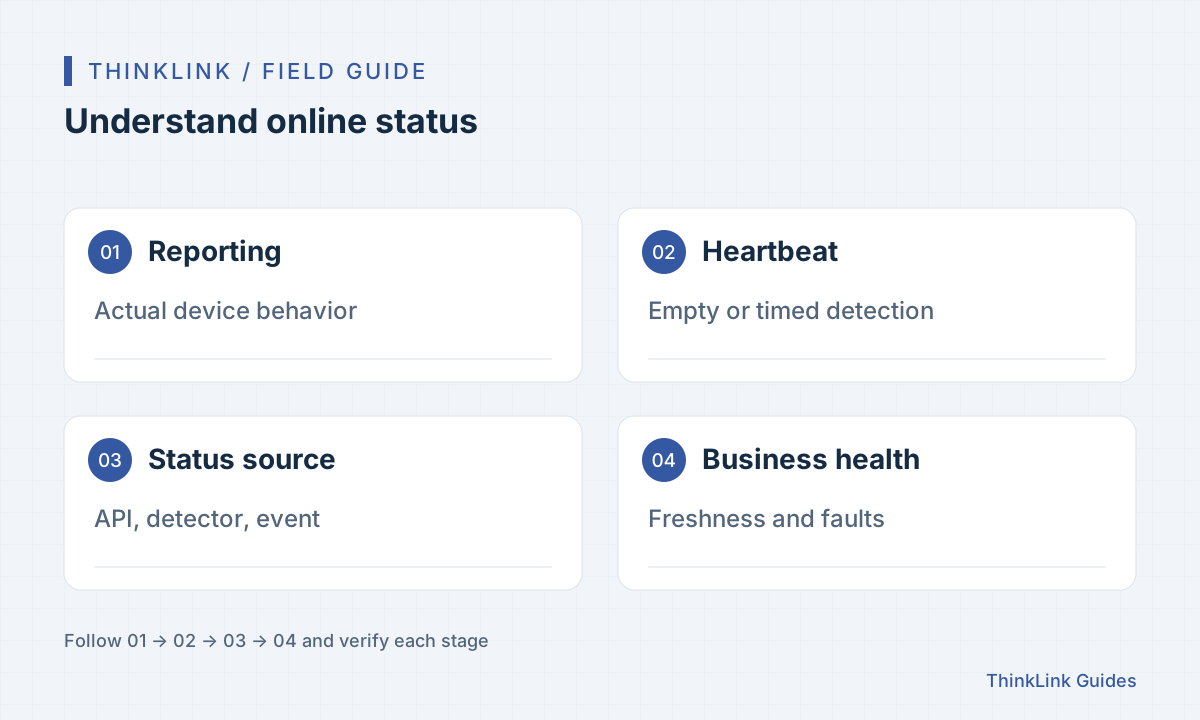
Define the operational meaning
Periodic sensors, event-only switches and continuously powered equipment report differently. Record actual reporting behavior before choosing a heartbeat. This article follows current documentation; check the deployed version, especially the empty-heartbeat behavior documented for 2.00.099. Gateway connectivity, recent terminal communication and valid business data are separate. A healthy gateway can coexist with a silent sensor, and a received message may omit the required measurement. Show status source and both activity and measurement timing.
Preserve empty and disabled states
The current documentation treats empty heart_period as online without registering a timeout task. Do not replace it with an arbitrary interval. Valid nonempty heartbeats participate in timed detection. notify_offline uses the strings TRUE and FALSE and defaults off. Disabling detection retains the previous _online, which is no longer continuous evidence. Missing, disabled, not loaded and query failed also differ. An unfinished configuration read must not become a saved false or zero value during an unrelated edit. Read both settings back after saving.
Interpret each status field separately
API online, server_attrs._online and MQTT data.online differ in source, type and timing. Boundary-time details also differ, so exact instantaneous agreement cannot be assumed. The detector value is numeric; the notification value is boolean. A notification represents a transition, not a complete device snapshot or business alarm. Receipt of historical data can refresh activity without proving a new measurement. State which source drives dashboard totals and do not count a retained disabled-detector value as current evidence.
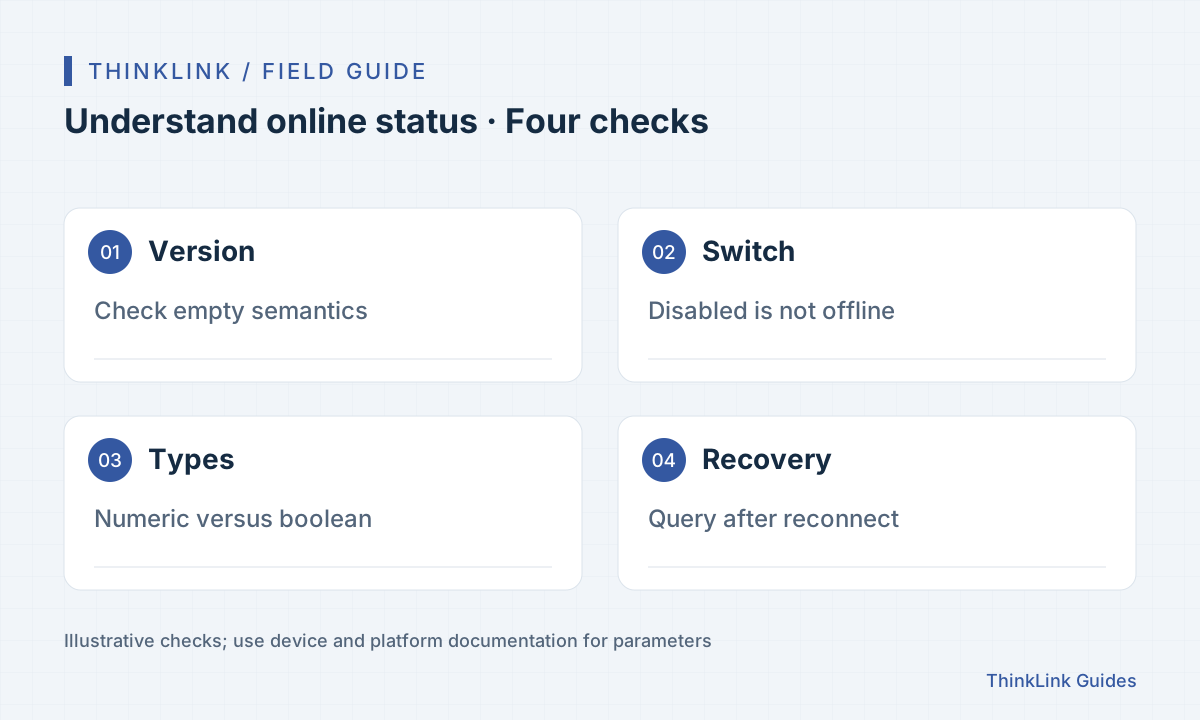
Test silence, recovery and reconnection
On an approved test device, record configuration and observe reporting, silence, timeout and resumed reporting. With a nonempty heartbeat, the detector marks offline strictly after activity time plus twice the heartbeat; asynchronous delivery can add delay. One screenshot at the boundary is insufficient evidence of failure. A reconnecting MQTT consumer should query current state through existing interfaces and reconcile later events, rather than assuming every transition during disconnection will replay. Record times and outcomes, not only colors.
- Check version, heartbeat and detection switch.
- Identify each status source and type.
- Test silence, timeout, recovery and reconnection.
- Accept status display and business alarms separately.
Separate status from business alarms
A status event is not an accepted alarm workflow. Alarm creation, recipients and escalation still require project configuration and testing. Present communication, freshness and business faults separately, preserving unknown and query-failure states. Event history or reliable replay requires an explicitly designed storage and recovery mechanism; the topic alone does not imply such a queue. Handover should include source semantics, heartbeat, empty-value handling, disabled detection and test evidence.
Frequently asked questions
May an empty heartbeat be replaced with fifteen minutes?
No. Current documentation gives emptiness a distinct meaning; preserve it and check the deployed version.
Does _online = 1 prove connectivity after disabling detection?
No. It can be retained old state. Check current activity or the chosen status query.
References and further reading
This guide uses the official sources below. Diagrams explain the approach; consult the documentation for your version for exact menus, fields and capabilities. Linked sources are in Chinese.