ThinkLink Guides / Deployment and planning
Choosing a ThinkLink deployment: cloud, local server or gateway
Choose a ThinkLink deployment based on connectivity, data location and maintenance responsibilities, with preparation, acceptance and migration checks.
First decide which operations must continue if the site loses its internet connection. Cloud suits quick validation, a local server provides explicit data and maintenance boundaries, and a gateway deployment suits edge workloads after resource assessment. Verify device connectivity, platform access and project acceptance separately.
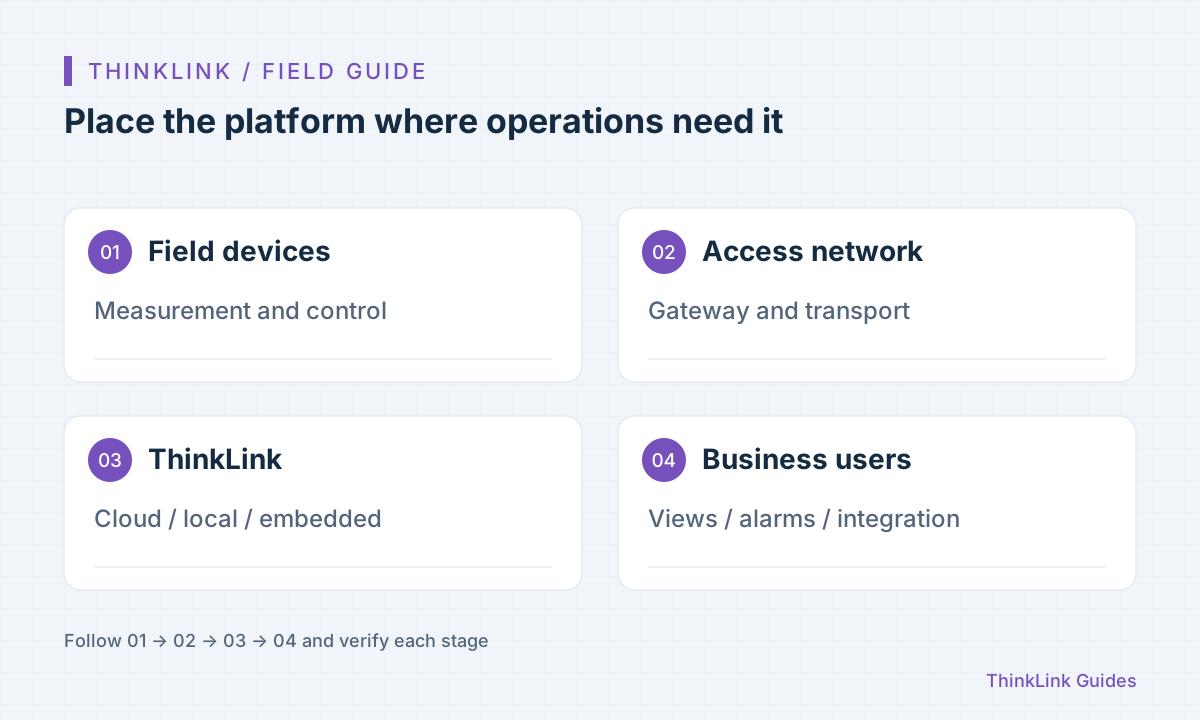
Answer three questions before comparing hardware
The first question in an IoT project is often how large a server to buy. A better starting point is to list users and actions: who views data, who receives alarms, who issues commands and what must keep working during an internet outage. These answers determine the deployment location and responsibilities.
Start with network dependencies. Cloud access is centralized, but the site-to-cloud link needs maintenance. A local platform shortens the on-site data path, while remote support, email and third-party interfaces may still need an external network. Next, identify where telemetry, files, backups and exports will live. Finally, assign responsibility for upgrades, disk monitoring and recovery drills.
- Specify continued local collection and remote access during an outage as separate requirements.
- Assign owners for the server, database, gateway and notification channels.
- Validate the complete path with one representative device before sizing for measured data volumes.
What each deployment option addresses
ThinkLink supports cloud, standalone and gateway-embedded deployments. No option is universally best: choose according to site connectivity, maintenance capacity and delivery requirements. These recommendations do not imply that every deployment includes identical components in every version.
| Option | Where to start validating | Prepare in advance |
|---|---|---|
| Cloud | Prove device onboarding and workflows quickly | Site network, access permissions and export requirements |
| Local server | Keep data and services in your own environment | Host resources, backups, upgrades and remote support |
| Gateway-embedded | Combine the gateway and platform on site | Exact model, spare storage, workload and recovery plan |
Turn installation requirements into a handover checklist
The Docker deployment documentation specifies x64 architecture and lists CPU, memory, free disk space, supported systems and port usage. Check the latest linked documentation during procurement and installation. Minimum installation requirements establish whether installation can begin; they are not a long-term capacity guarantee.
Include data growth in capacity planning. Measure a representative device's daily telemetry, logs and files, then account for device count, retention and backup copies. Do not retain all logs indefinitely by default, or size only the system disk while overlooking the filesystem that actually holds data.
Prepare separate installation paths for connected and isolated environments. An offline package supplies artifacts; it does not configure DNS, system time, certificates, account policies or backup destinations. Make download, transfer, installation and acceptance separate, verifiable steps.
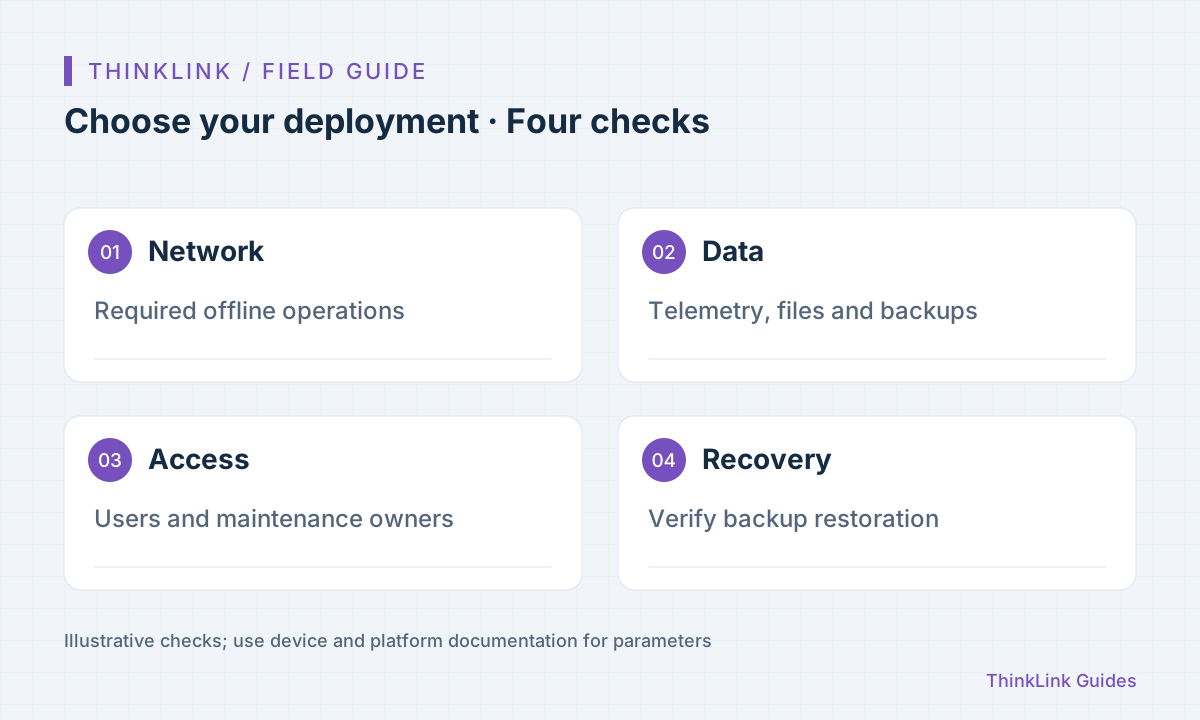
Complete initial acceptance with one device
After installation, record the platform version, access URL and administrator handover procedure. Connect a device with a known protocol. Check continuous reporting, correct business values and matching historical records. A working login page alone does not establish that the application path works.
Next, test one alarm and one read-only query with the user's own permissions. If control is required, follow a separate control acceptance procedure. Restore a backup in a test environment to verify its coverage and recovery dependencies.
- Verify access, version and account permissions.
- Associate one device and check live and historical records.
- Confirm actual receipt through the notification channel.
- Record backup locations and complete a recovery drill.
Migrate configuration and history separately
Before moving from validation to production, inventory device records, thing models, RPC models, trigger models, notifications, dashboards and historical data. An export containing device records does not necessarily include all business history or external service credentials.
Import a few objects into the target environment first and verify model references and device identities before switching gateway connections. Retain a rollback path and compare the same device's data before and after migration for time continuity. A small rehearsal makes delivery risks easier to manage than importing every device at once.
Frequently asked questions
Does local deployment eliminate all internet dependencies?
No. Collection and platform services can run locally, but external notifications, remote access, update downloads and third-party integrations must each be checked for network dependencies.
Can an embedded gateway replace any server configuration?
Deployment type alone does not establish capacity. Check the gateway model, installed version, device traffic and storage, then test a representative workload.
References and further reading
This guide uses the official sources below. Diagrams explain the approach; consult the documentation for your version for exact menus, fields and capabilities. Linked sources are in Chinese.