ThinkLink Guides / Field operations
ThinkLink attributes saved but absent from MQTT: check forwarding rules
Locate telemetry, business attributes, process state and application parameters before checking field allowlists and partial messages.
Saving an attribute and forwarding it are separate outcomes. Server and shared attributes require selected fields; built-in forwarding excludes process data. Check ownership, rules and actual messages in that order.
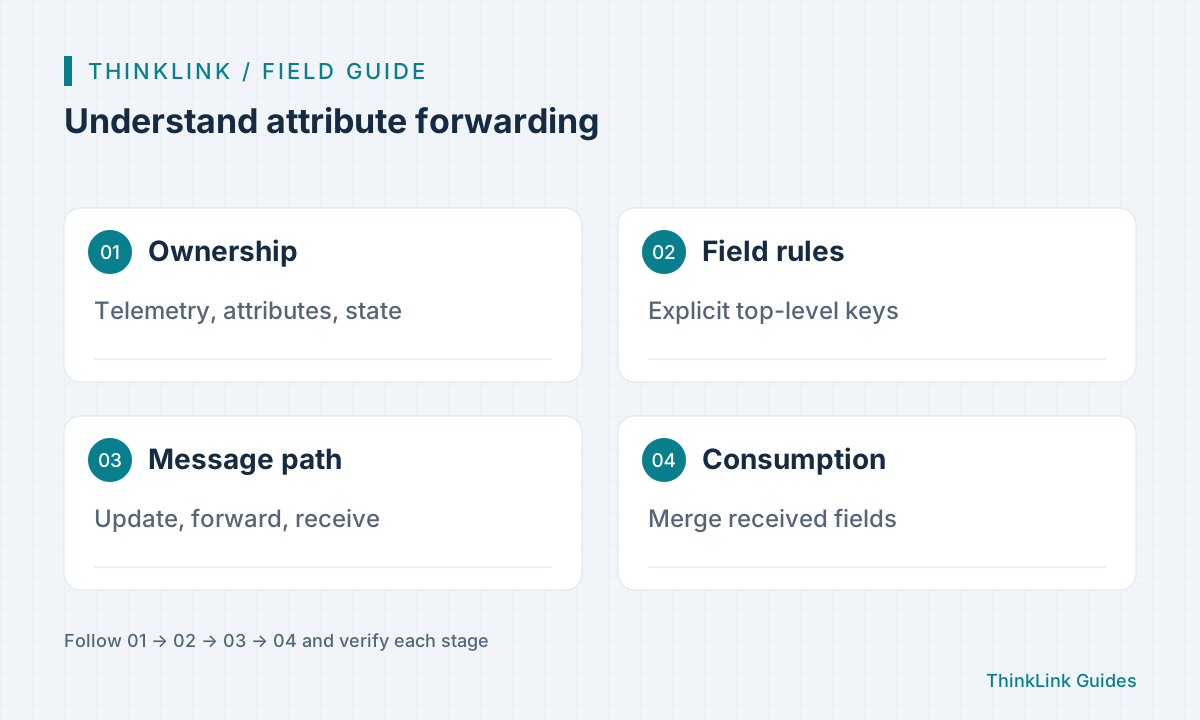
Choose the right storage group
Measurements normally belong in telemetry, platform parameters in server attributes, shared settings in their defined group and intermediate computation in process_data. Current application parameters have app_attrs ownership. Record each field’s writer, readers, historical needs and external consumers rather than placing everything in a large frequently forwarded object. Process data is not automatically expiring memory. When migrating existing scripts, initialize and verify state instead of interpreting an empty new store as a reset cumulative baseline.
Understand the allowlist
Server and shared attributes default to no forwarding. Saved forward_fields selects existing top-level keys; absent configuration or an empty group does not mean send everything. Selection does not delete unselected values and changing rules alone does not publish a message. A later update or appropriate forwarding action is needed. Nested objects are selected by their top-level key, not an assumed dotted child path. Design fields around what external consumers actually require.
Distinguish saved rules from patches
Devices and templates save arrays of field names. Script forward_fields uses boolean patches to add or remove named fields while preserving omitted parts. Do not interchange those structures. RPC forward: true does not bypass allowlists; interpret false within its documented action rather than extending it to every protocol. Write process state through model results or RPC actions, not mutation of read-only inputs. Custom MQTT payloads remain the script author’s responsibility even though built-in forwarding excludes process data.
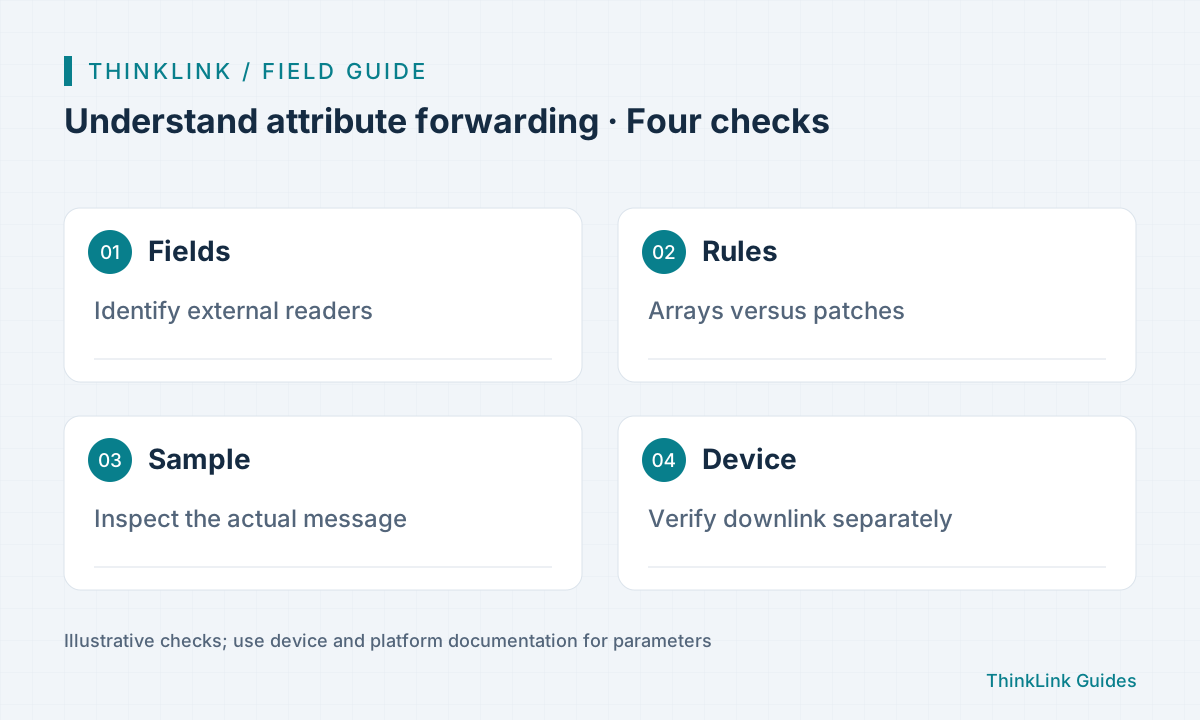
Verify partial updates end to end
Set two ordinary attributes on a test object, select one, trigger an appropriate update and compare stored values with the target Broker message. Confirm that the unselected value remains stored but absent from the message, then test disabling the selected field. Consumers must merge received fields rather than replace the whole group with a subset. Capture evidence for rule changes, message generation, forwarding and consumption separately. A successful save or RUNNING connection cannot substitute for the received payload.
- Identify field group and consumer.
- Save the required allowlist.
- Trigger an update and inspect the target message.
- Verify merging and template-reset effects.
Include templates and versions in handover
Template reset replaces forwarding rules; an older template without rules can restore no forwarding. Compare rules and identify affected consumers before bulk changes. Process state survives restart after normal persistence, but a successful cache read does not prove a pending buffered write reached storage. Deliver field ownership, allowlists, merge behavior, sample messages and version scope. Sending shared configuration to a physical device still needs the appropriate downlink RPC; attribute edits and external MQTT delivery do not prove device receipt.
Frequently asked questions
Does selecting forwarding immediately send a message?
Not necessarily. A rule change alone does not publish; an update or forwarding action is still required.
May a one-field MQTT message replace the entire attribute group?
No. It may be a subset, so consumers should merge fields.
References and further reading
This guide uses the official sources below. Diagrams explain the approach; consult the documentation for your version for exact menus, fields and capabilities. Linked sources are in Chinese.