ThinkLink Guides / Alarms & automation
Delivering ThinkLink alarms to WeCom, DingTalk and email: secrets, recovery and testing
Configure email notification groups alongside WeCom and DingTalk HTTP RPCs with clean secret boundaries, stable deduplication and a six-step recovery drill.
Email alerts flow through system SMTP, an enabled Notification Group and built-in ALARM RPC params.notify, while WeCom and DingTalk use external HTTP (axios) RPCs triggered alongside ALARM. Isolate secrets in admin-only parameters, keep alert text stable for deduplication and verify the full raise-suppress-recover cycle.
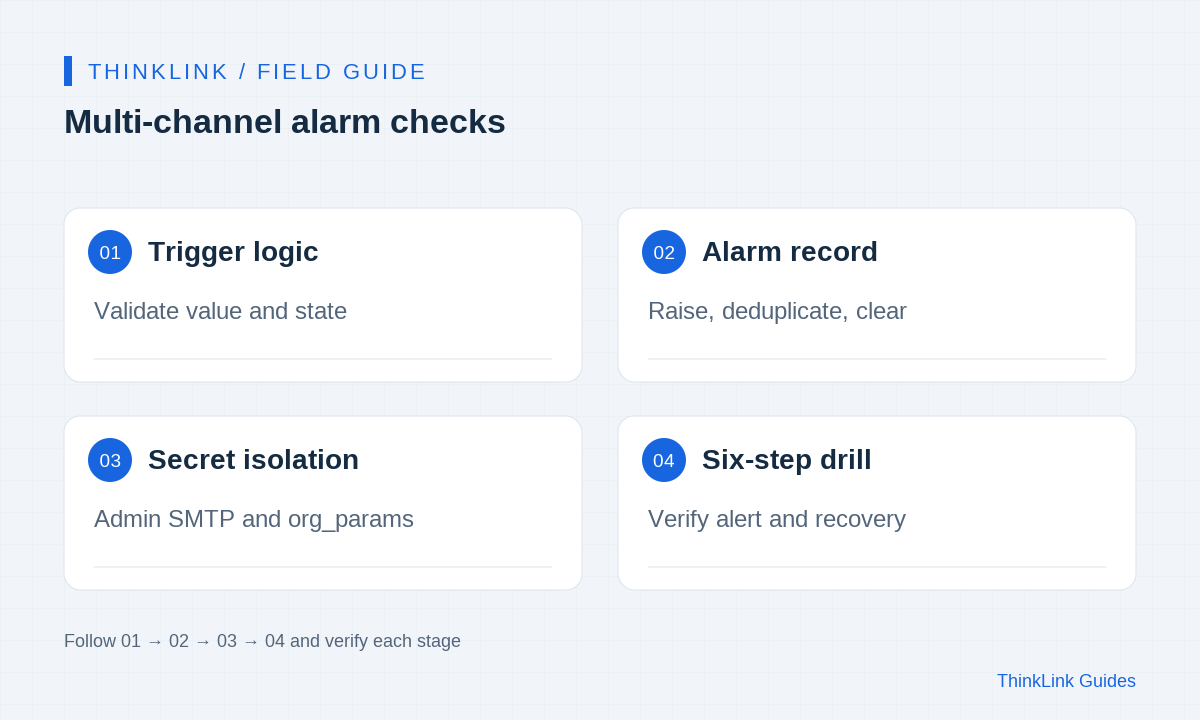
Separate built-in notification groups from external HTTP RPCs
In ThinkLink, platform alarm records are created and cleared when a trigger model invokes the built-in ALARM RPC (method name alarm) across four levels: low, mid, high and urgent. External delivery follows two mechanisms: email runs through platform notification groups backed by system SMTP, whereas WeCom and DingTalk rely on external HTTP (axios) RPC scripts invoked alongside ALARM from the same trigger model.
Match the delivery channel to your response team before writing scripts. Group webhooks fit fixed duty chats, WeCom smart bots cover multiple groups under admin control, and self-built WeCom apps target specific users, departments or tags. For critical equipment, combine chat notifications with email so a single rate limit or network outage does not hide an incident.
Configuration paths, secret boundaries and rate limits
Each channel has distinct authentication and setup pitfalls. For email, confirm system SMTP host, port and secure mode (typically enabled on 465 and disabled initially for STARTTLS on 587), remember that newly created notification groups default to disabled until switched on, and pass a string array via params.notify rather than legacy group fields or plain strings.
WeCom and DingTalk both call external APIs from RPC scripts, but secret handling differs. Store WeCom webhook URLs and self-built corpsecret values in admin-only org_params under Server Configuration—never hardcode keys or expose them in readable device attributes. For DingTalk custom bots, enable HMAC-SHA256 signing using a fresh millisecond timestamp within one hour of server time rather than relying on keywords alone.
| Channel | Primary setup path | Secret & security boundary | Typical pitfalls & limits |
|---|---|---|---|
| System SMTP + Notification Group + ALARM RPC (params.notify) | SMTP credentials managed by system admin, never in trigger scripts | New group defaults to disabled; legacy group param; spam quarantine | |
| WeCom (group / smart bot / app) | org_params + external axios RPC paired with ALARM | Keep webhook key and corpsecret in admin-only org_params; rotate quarterly | Action ordering clears alarms[name] before clear notice runs; missing org_params |
| DingTalk custom bot | Signed bot + external axios RPC computing HmacSHA256 | Use signed mode over keyword-only; never hardcode token/secret; rotate regularly | Error 310000 bad signature; 20 messages/min per bot; @ requires member phone |
Prevent alert storms and lost recovery messages
Most notification failures in operations are either repeated alert storms during one sustained fault or continuous recovery messages on every normal uplink. Built-in ALARM deduplicates new events only when name, title, level and desc match the active alert. Embedding live fluctuating sensor readings or timestamps into title or desc breaks deduplication and triggers repeat emails on every report.
In custom WeCom recovery scripts, check alarms[name] before posting a clear notice so normal steady-state uplinks stay quiet. If testing shows alarms[name] is always undefined on clear because ALARM cleared the record first, reorder actions so wecom_notify runs before alarm, or track prior alarm state explicitly. Also return null for missing or non-finite values so bad packets neither raise false alarms nor clear real ones.
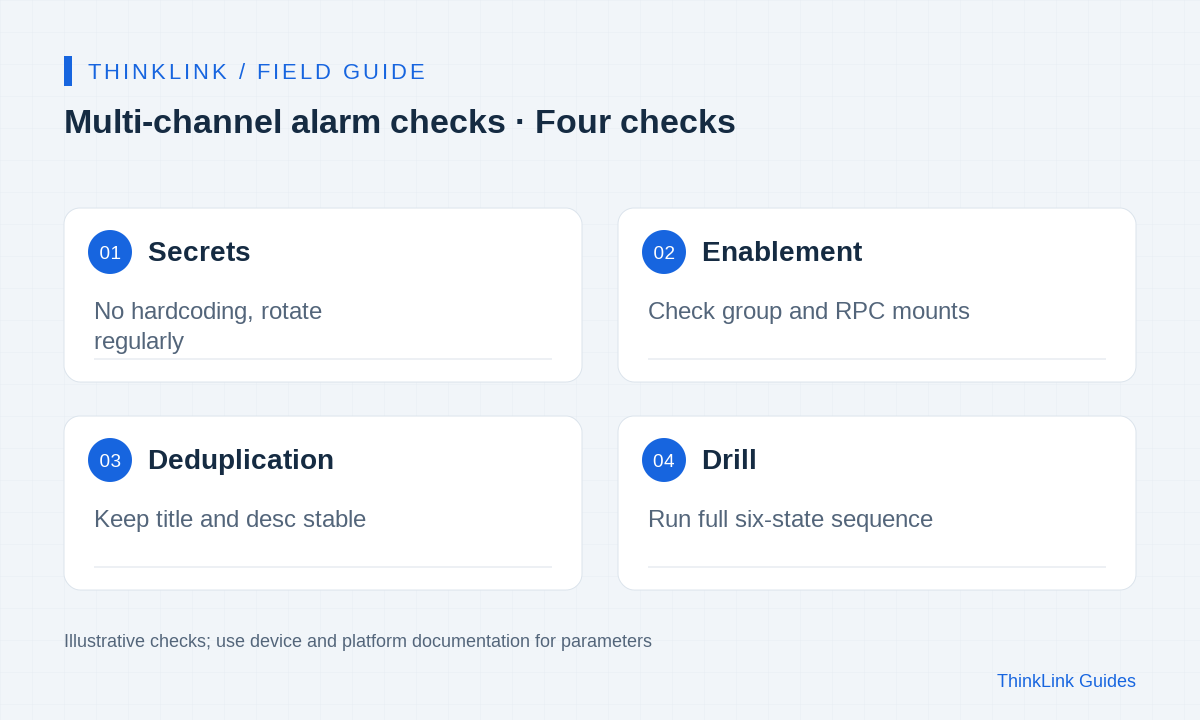
Run a six-step drill across raise, suppress and recovery
Never ship an alert pipeline after a single manual webhook test. On a test device and test channel, run a full six-step sequence—for example with a 30 C threshold, send 25, 31, 35, 29, 28 and 31 C in order—checking Latest Alarms, Alarm Logs and actual recipients at each step to prove no alert on initial normal, one alert on breach, suppression on continued breach, one recovery notice, silence on continued normal and a fresh alert on a second breach.
Remember also that clicking Mark All Read in Alarm Logs changes only UI read state—it never proves field recovery, ALARM clearance or email delivery. When an active alarm produces no message, inspect group enablement, recipient addresses or webhooks, execution logs, outbound connectivity and corporate mail quarantine in order.
- Verify secret isolation (admin SMTP, WeCom org_params, DingTalk signed mode) with zero hardcoded credentials.
- Confirm the device has ALARM RPC, custom notification RPC and trigger model mounted, and email groups enabled.
- Execute the six-step normal-breach-sustain-clear-normal-rebreach sequence and verify exact message counts.
- Audit message text to exclude private customer data, internal IPs or tokens, and confirm backup channel readiness.
Credential rotation and threshold-jitter hygiene
A leaked bot webhook or secret lets anyone forge operational alerts into team chats. Include quarterly credential rotation in handover documentation: reset the bot or secret on the messaging platform, update org_params or managed config, and send one verification drill without altering tested trigger code.
Automatic clearing depends on receiving a fresh valid normal reading; offline devices or missing fields will not clear an active alarm. When noisy readings oscillate near a threshold, add hysteresis or persistence timing in trigger logic rather than muting channels.
Frequently asked questions
Why do repeated emails or chat alerts arrive while temperature stays above threshold?
Usually because changing readings or timestamps were inserted into the alarm title or description, making each report look distinct and bypassing ALARM deduplication.
Does clicking Mark All Read in Alarm Logs clear the alarm or confirm email delivery?
No. Mark All Read updates only the operator read flag; verify alarm clearance and delivery logs separately.
Why are WeCom recovery notifications not sent when conditions return to normal?
If actions runs alarm before wecom_notify, ALARM may clear the active record before wecom_notify checks alarms[name]. Place wecom_notify before alarm and retest.
References and further reading
This guide uses the official sources below. Diagrams explain the approach; consult the documentation for your version for exact menus, fields and capabilities. Linked sources are in Chinese.